Documentation, Reference Materials and Tutorials for Imagely
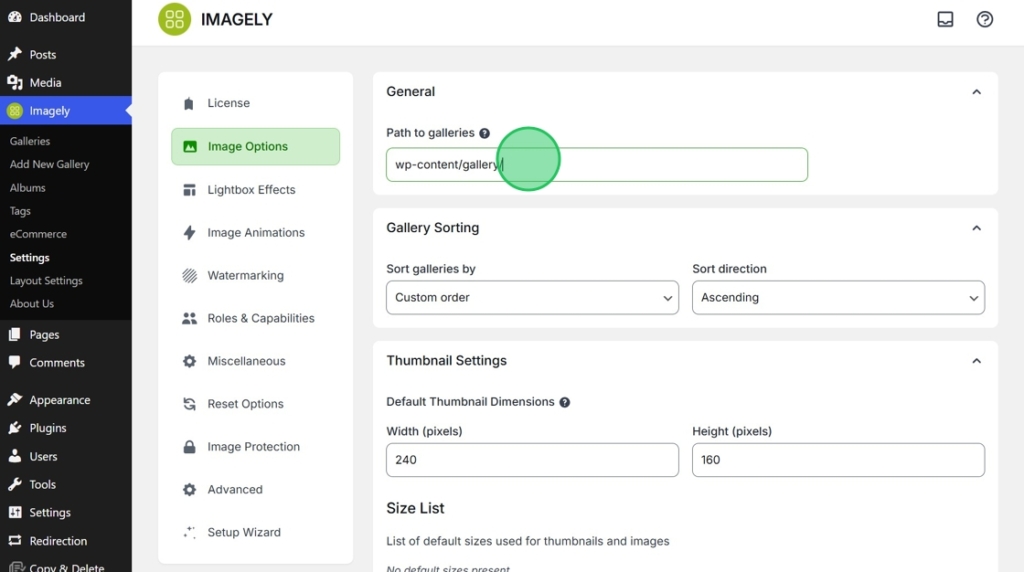
Imagely can only import folders that use the /wp-content/ directory. You are able to set your default gallery path from Imagely > Settings > Image Options. This is important as it is part of the path used when importing images into Imagely. The default path is /wp-content/gallery/ which means that any imported images will go into a folder that will be created underneath the gallery folder.
Once images are imported and the gallery is created, you can access it from Imagely > Galleries.
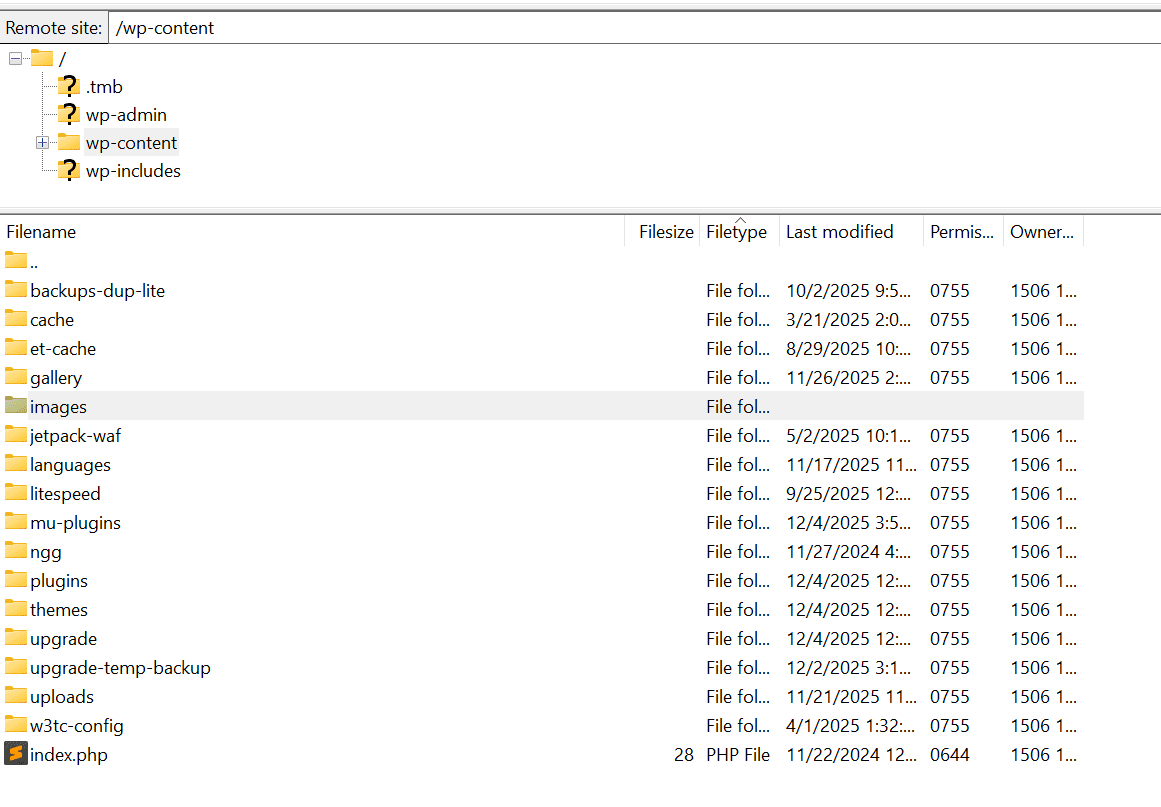
Use FTP to create a folder on your server inside the /wp-content/ folder. This is the folder where the images you plan to import will go
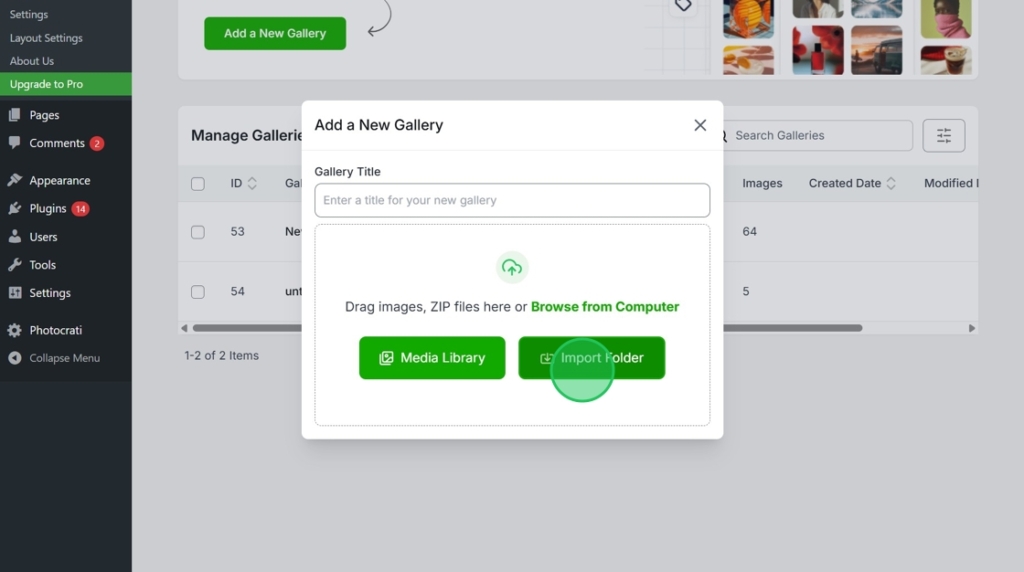
Go to Imagely > Add New Gallery, click Import Folder
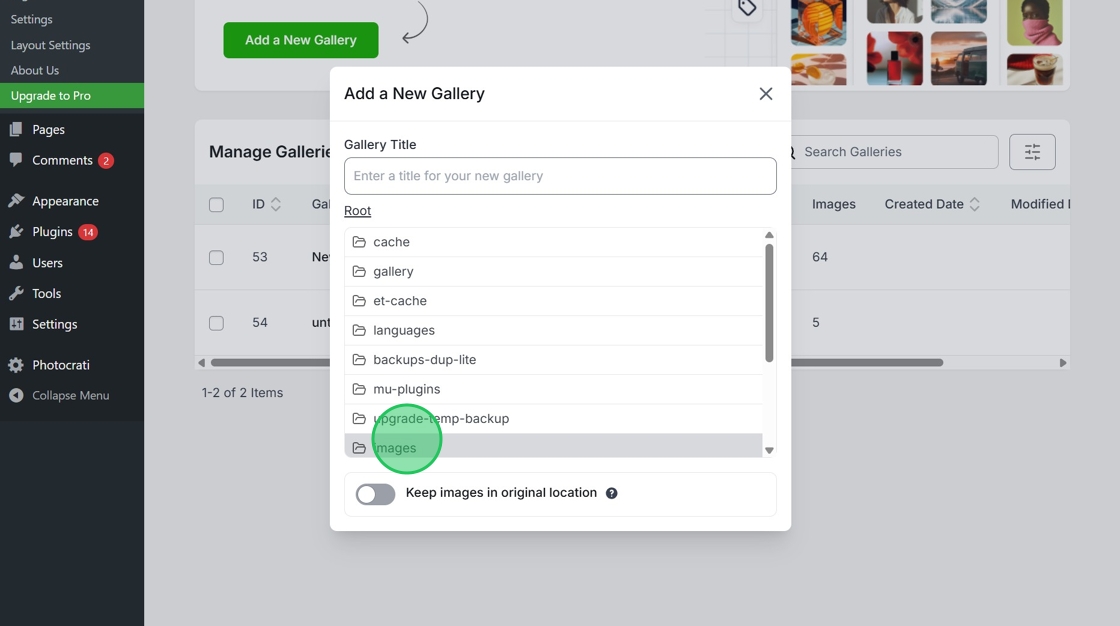
Name your gallery then select your folder from the list
Click Import Selected Folder
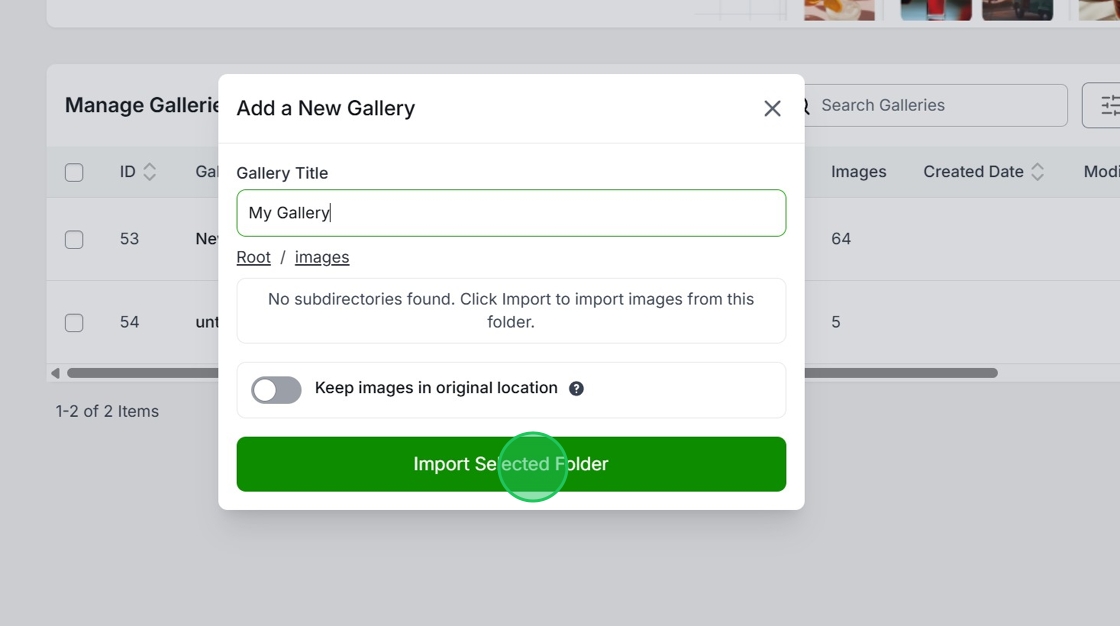
Once the gallery is fully imported you will get automatically directed to the gallery edit window where you should see all the imported images.

Best WordPress Theme & Plugin For Photographers
Enter the URL of your WordPress website to install

Imagely is perfect for photographers, designers, bloggers, and creative professionals who want more than just a gallery.
Built in eCommerce and print fulfillment
90+ themes and designs
Tons of customizations and options
14 day money back guarantee
Copyright © [#this year :%Y] Imagely, LLC. Imagely is a trademark of Imagely, LLC.