PERFORMANCE AND SEO FOR WORDPRESS GALLERIES
Imagely resizes your photos on upload, loads only what each gallery needs and fills in alt text from your photo files, so your galleries stay fast and easy to find. No coding needed.

Faster Galleries

Smart Resizing

Deep Linking

SEO Optimized

Mobile Friendly

Original Backups



Imagely keeps your photography site fast and easy for search engines to understand. Here's what makes it the best plugin for both.
Here are just a few reasons why photographers, artists and creators trust Imagely to keep their galleries fast and easy to find.
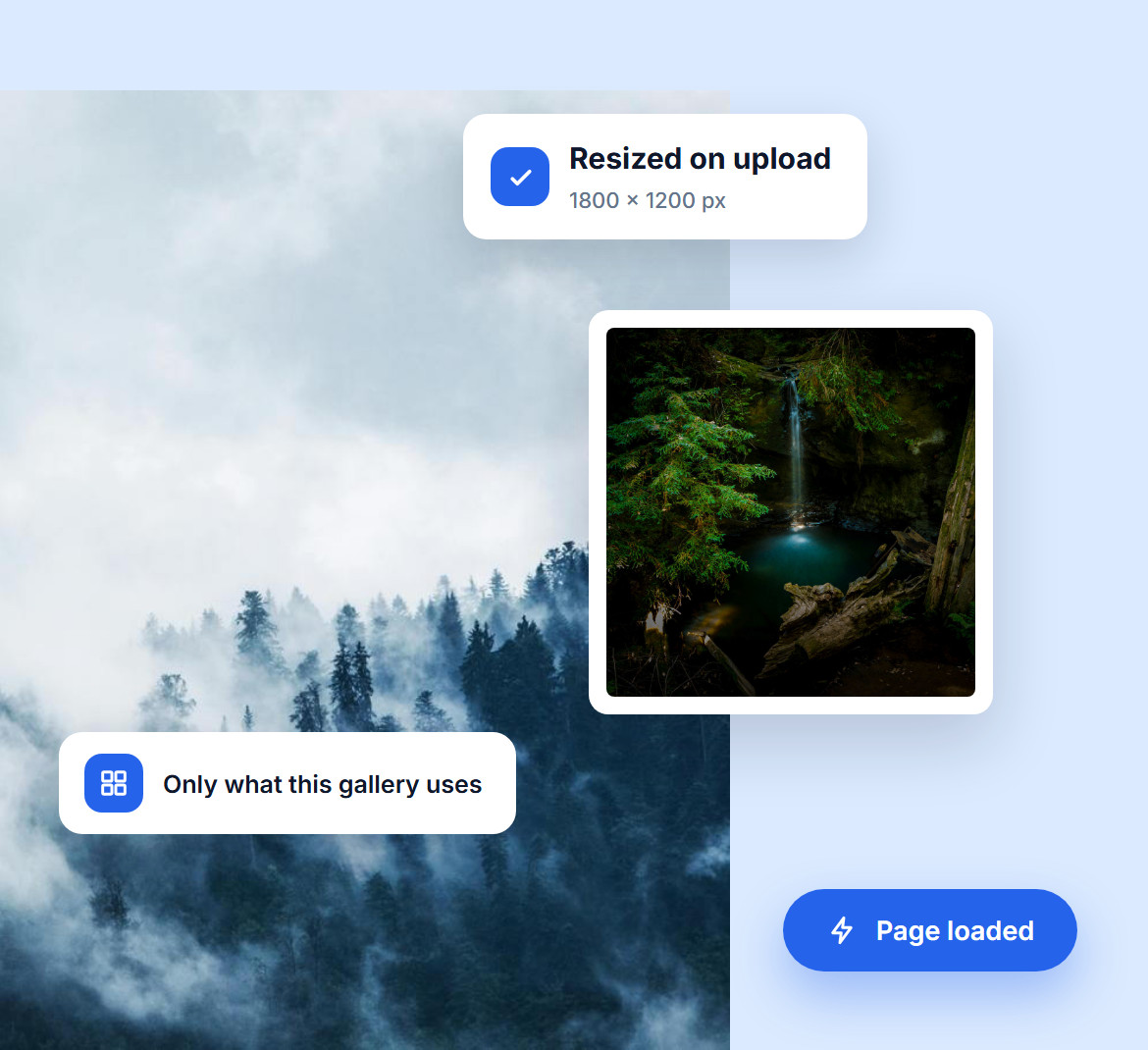
A photo straight from your camera is far bigger than any screen needs. Imagely resizes each one as you upload it, and loads its files only on the pages that actually have a gallery.
Each gallery also loads only the features it uses, so a simple grid never carries the code for a store. Your pages stay light, and visitors see your photos sooner.
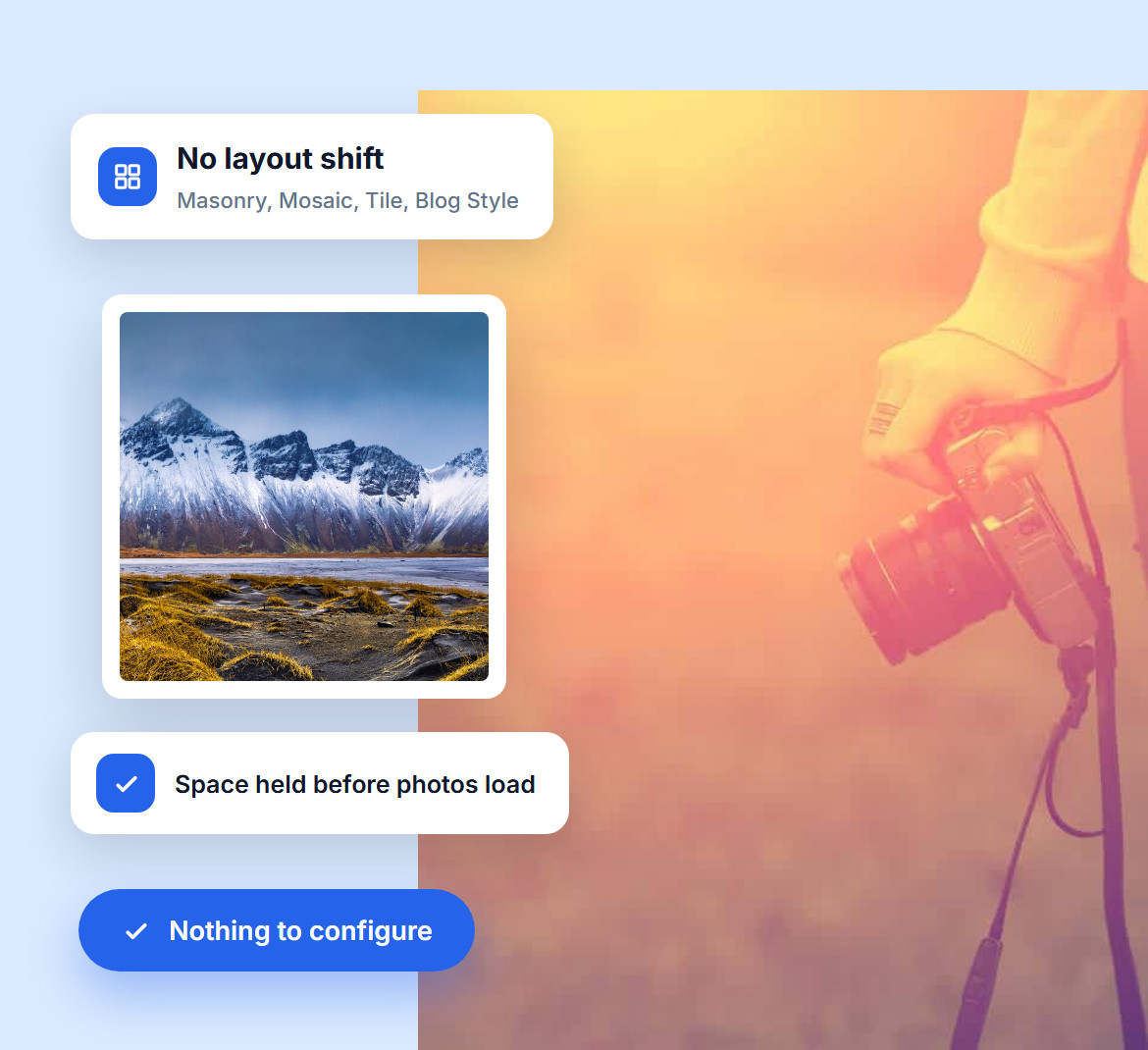
Google measures how stable and fast your pages feel, and photos that jump into place after the page loads hurt that score. Imagely's Masonry, Mosaic, Tile and Blog Style galleries hold their space from the start.
Visitors see a settled, finished page from the first second, and you get the stability Google looks for, with nothing to configure.

Already add titles, captions and keywords in Lightroom or your camera? Imagely reads them as you upload and turns them into alt text, descriptions and tags, so you never type the same thing twice.
Alt text tells search engines and screen readers what each photo shows, and tags power search and filters on your galleries, which keeps visitors exploring.
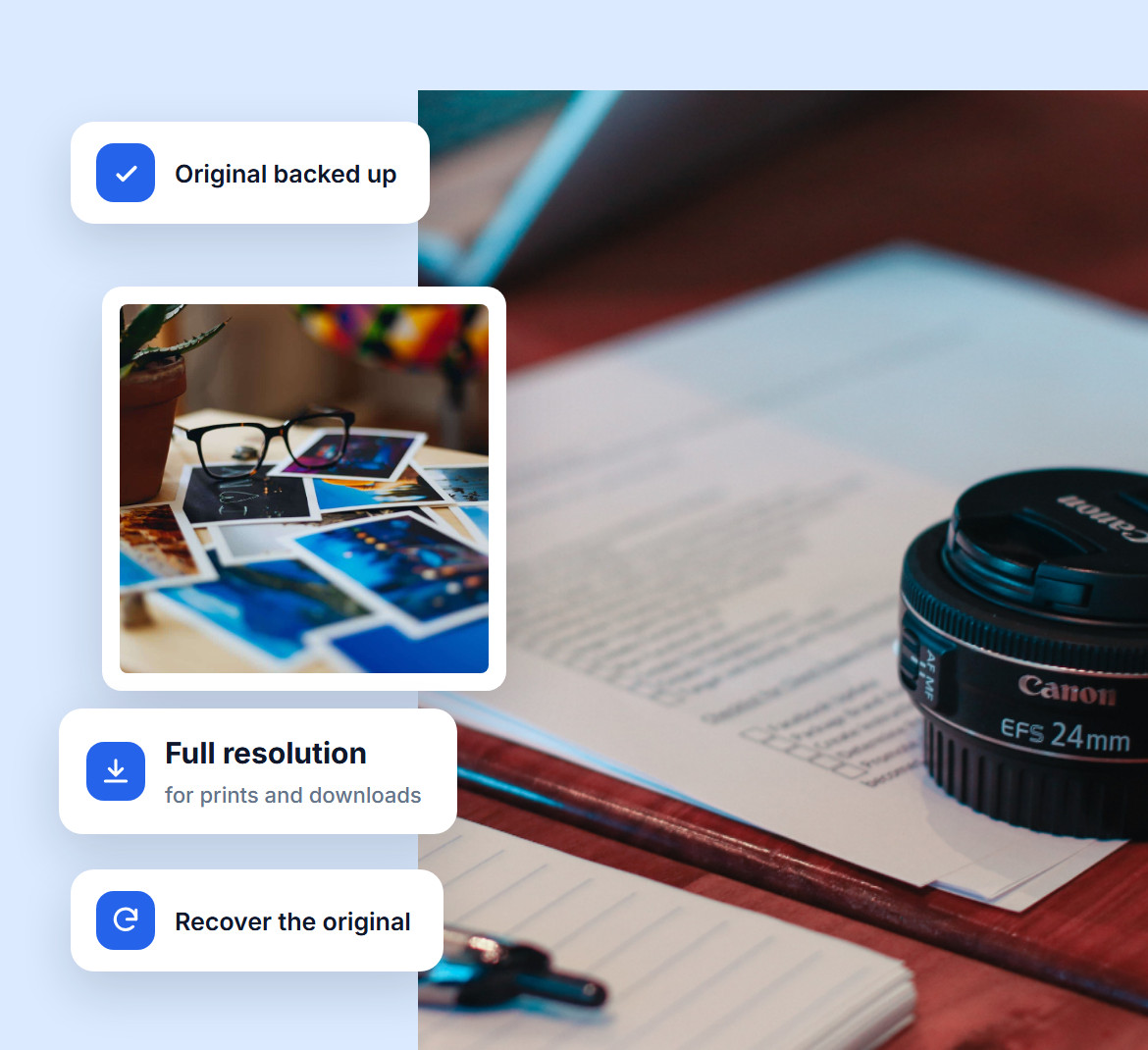
Fast galleries don't have to cost you quality. Imagely keeps a backup of every original before it resizes, so the full-resolution file is always there.
Use it for print sales or client downloads, or recover the original whenever you change your mind about a resize.
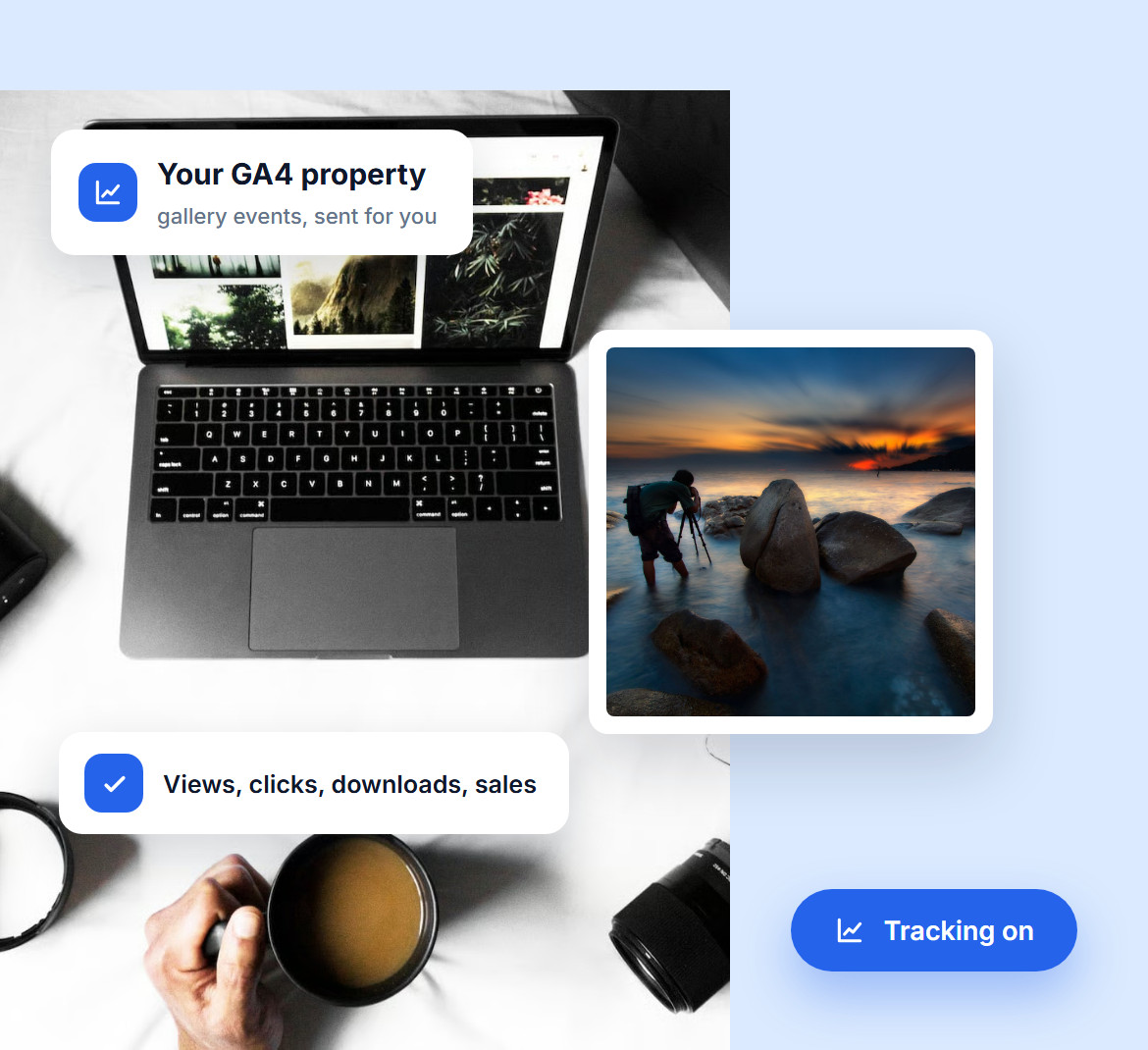
Connect Imagely to your Google Analytics account and send gallery views, image clicks, downloads and sales to your own GA4 property.
Pick the events you want to track and see which galleries people open, which photos they click and which ones sell, in the reports you already use.
Do you have questions about Imagely? See the list below for our most frequently asked questions. If your question is not listed here, please contact us.
Imagely resizes every photo as you upload it, to 1800 x 1200 px by default (you can change the size), and keeps a backup of the original. For extra compression, it works alongside Imagify.
They can, but Imagely loads its files only on pages with a gallery and only the features each gallery uses. Split big galleries into pages and the first load stays light.
Yes, when your photo has a title saved in it, for example from Lightroom. Imagely uses it as the alt text on upload, the caption becomes the description and the keywords become tags. You can edit any of them later.
Turn on deep linking in the Pro Lightbox settings. Each image then gets its own link, so anyone who opens a shared photo lands right on it in the lightbox.
Yes. With Imagely Pro or Ultra, add your GA4 Measurement ID and choose the events to track: gallery views, image clicks, downloads and sales. The reports appear in your Google Analytics account.
Group galleries into albums, add tags and descriptive alt text, and turn on breadcrumbs. Visitors find their way around more easily, and search engines see a clear structure.
Join over 400,000 users who trust Imagely to display, share and sell their photography, all from WordPress.
Copyright © [#this year :%Y] Imagely, LLC. Imagely is a trademark of Imagely, LLC.




