POWERFUL ALBUMS FOR WORDPRESS
Group your WordPress galleries into albums and display them in layouts made for browsing, so visitors find what they came for and keep exploring your work.

Customizable Albums

Over 20 Layouts

Advanced Lightbox

Frontend Search

Mobile Friendly

SEO Optimized



Everything you need to turn a pile of galleries into a portfolio people enjoy browsing. Here's what makes Imagely the best plugin for WordPress albums.
Here are just a few reasons why photographers, artists and creators trust Imagely to organize and showcase their galleries.
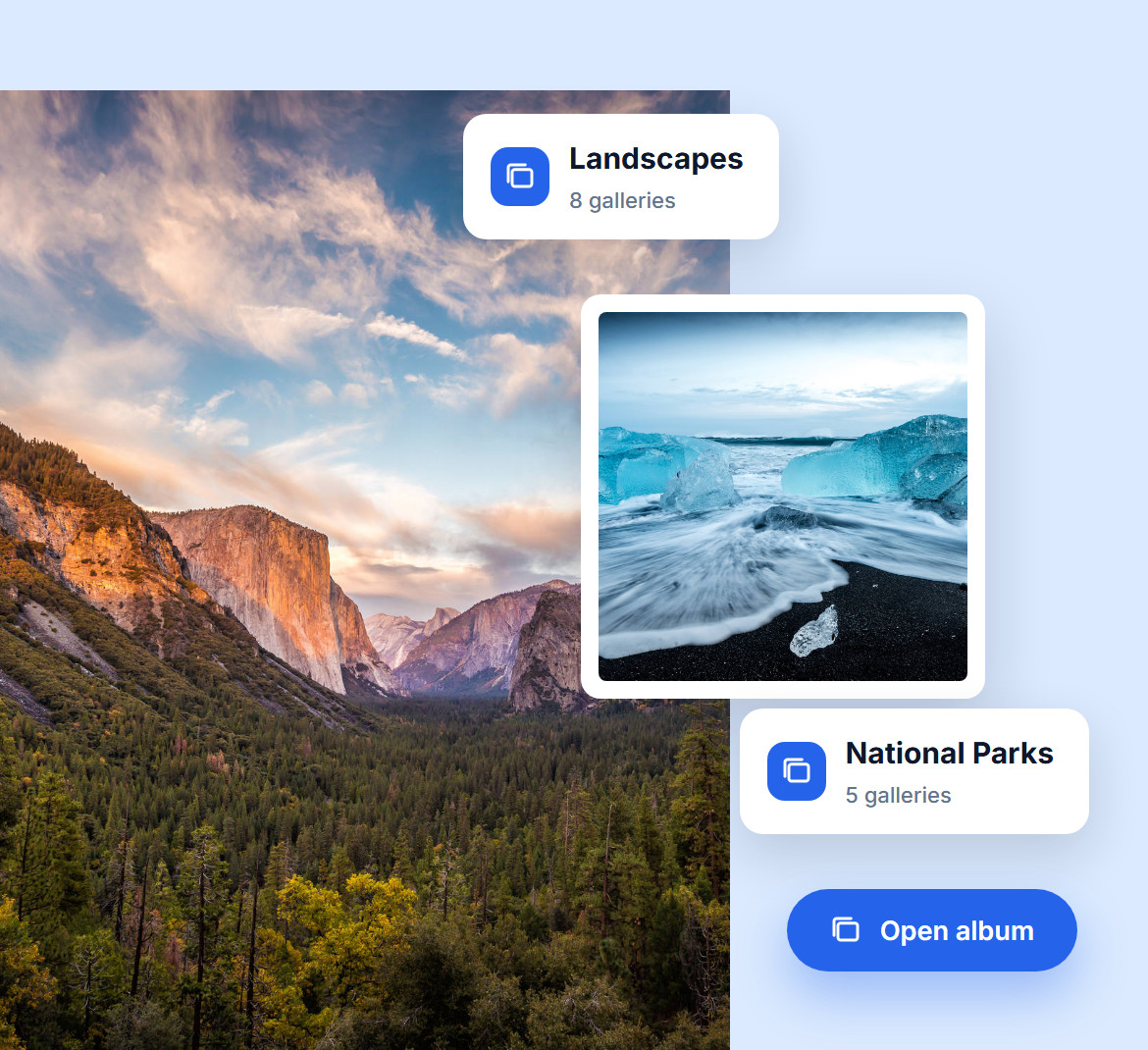
Too many galleries? No problem. Imagely lets you group them into albums by theme, event, or style, keeping your site organized, clean, and easy to explore.
Whether it's weddings, portraits, or landscapes, visitors find what they're looking for in a couple of clicks, instead of scrolling through every gallery you've ever published.
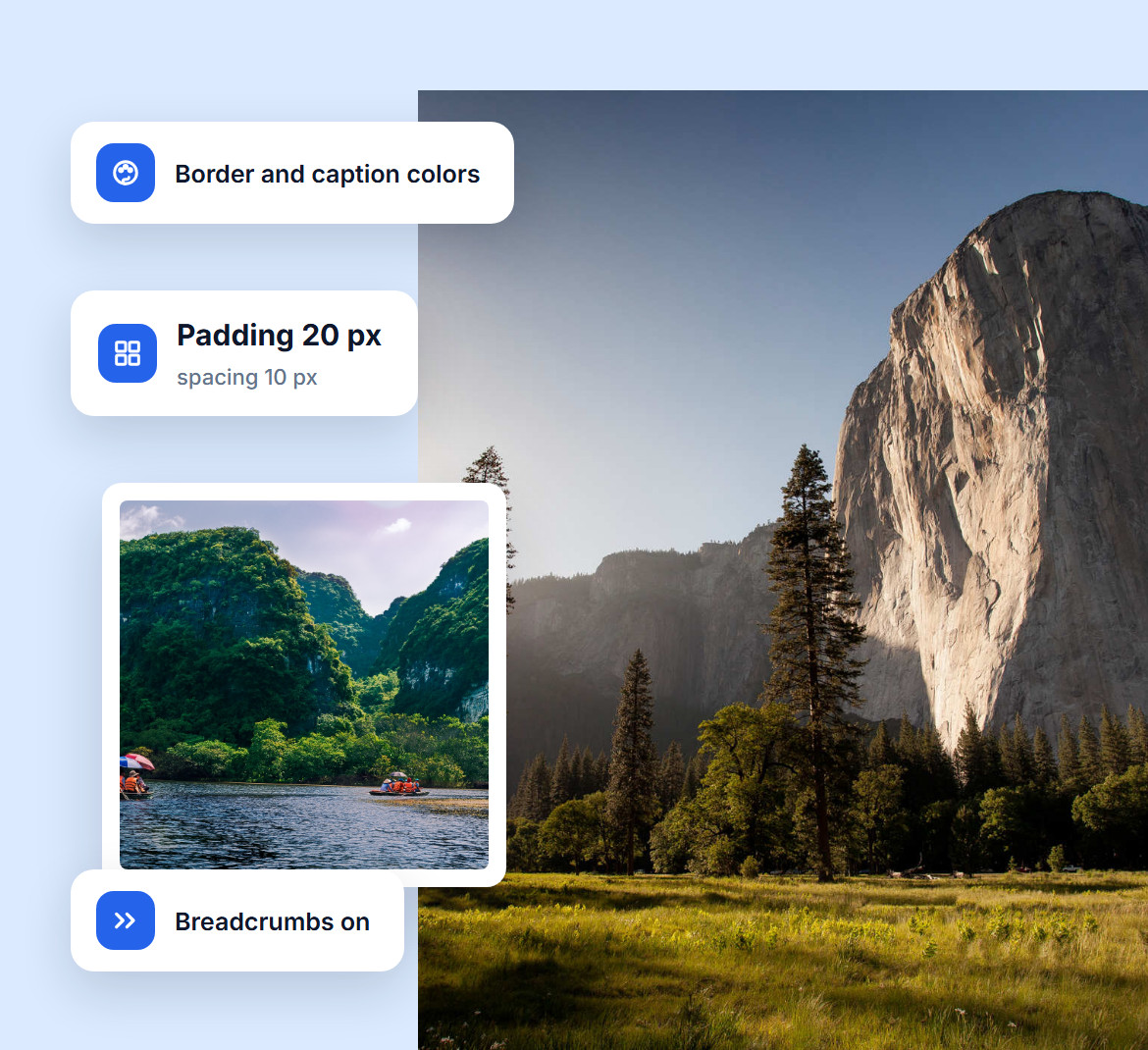
Make every album look like part of your brand, not a plugin default. Match the background, border and caption colors, padding and spacing to your site, show or hide gallery descriptions, and turn on breadcrumbs so visitors always know where they are.
Thumbnails are customizable too. Set their size and cropping independently, so every cover in the album lines up.
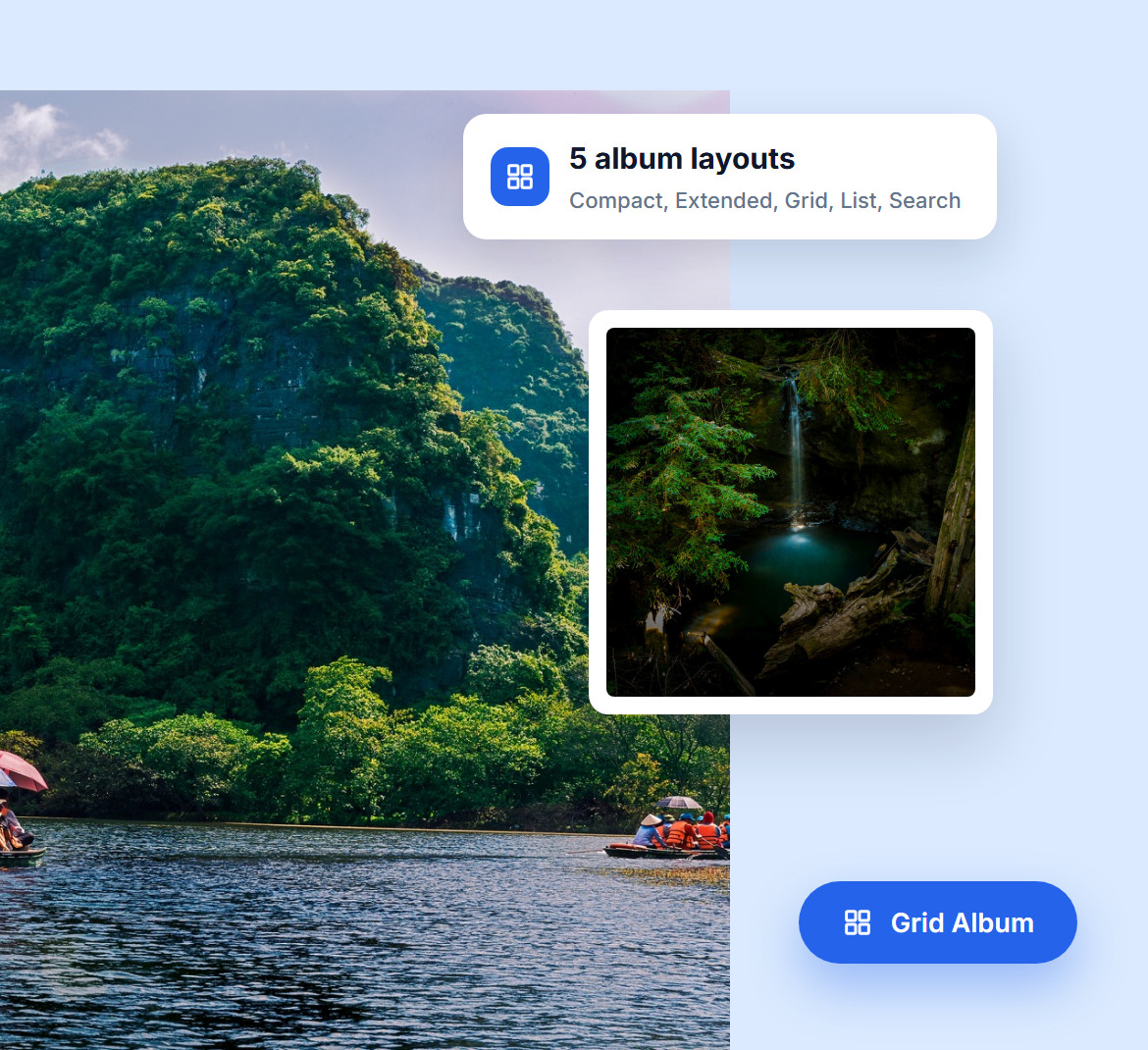
Your photos deserve more than a one-size-fits-all grid. With Imagely, pick the layout that fits your style: Compact Album for a tidy grid of cover photos, Extended Album to show each gallery with its description, Grid Album or List Album for sub-albums and storytelling, or Search Album to let visitors search inside a large collection.
The right layout changes how people move through your work: a tidy grid for quick browsing, descriptions when a gallery needs context, or a search bar when there are hundreds of galleries.
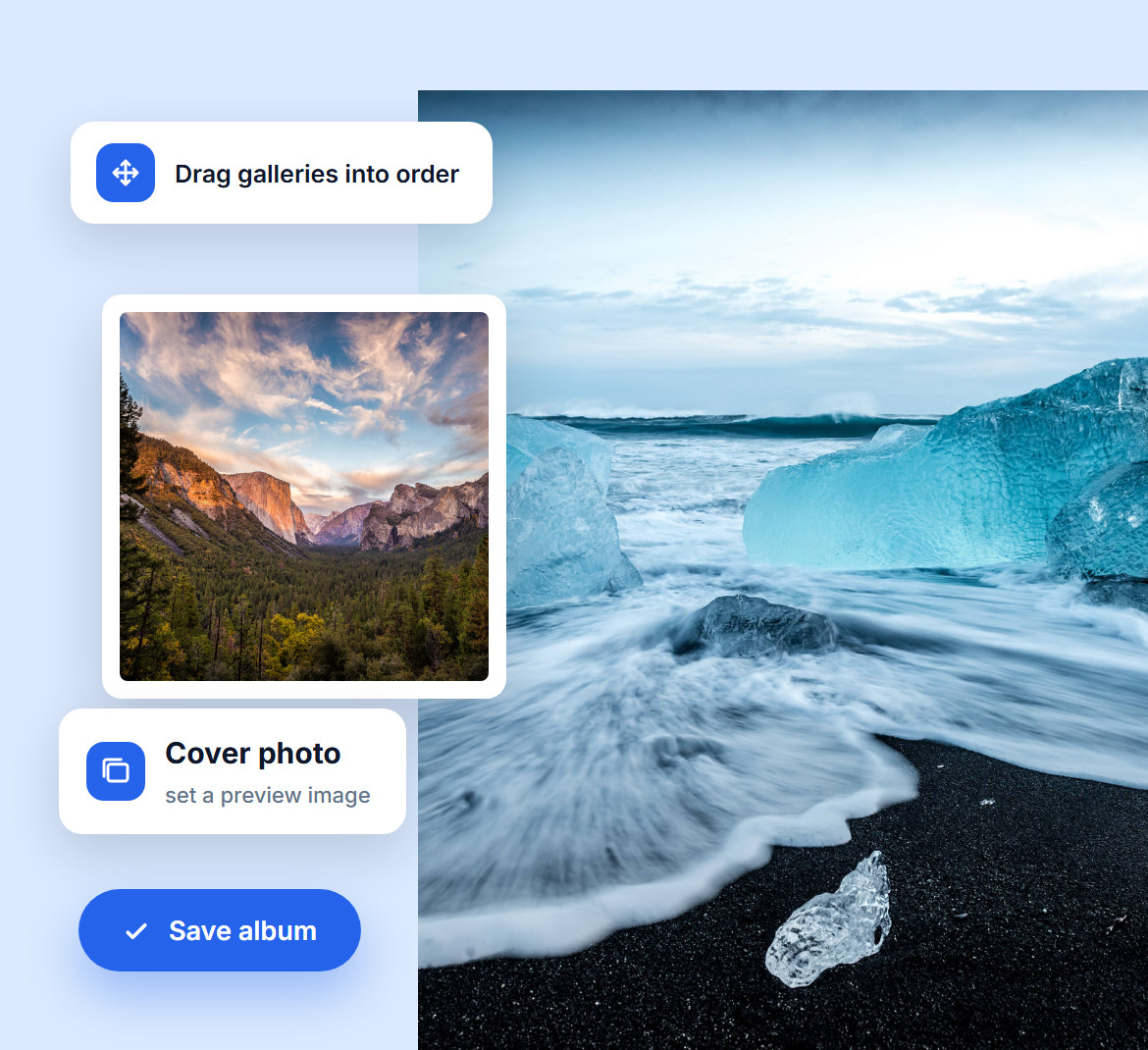
Create an album, name it and drag your galleries in. Set a cover photo for it and link it to any page on your site, all without touching code.
Everything happens inside WordPress, where you already work, so you spend more time creating and less time organizing.
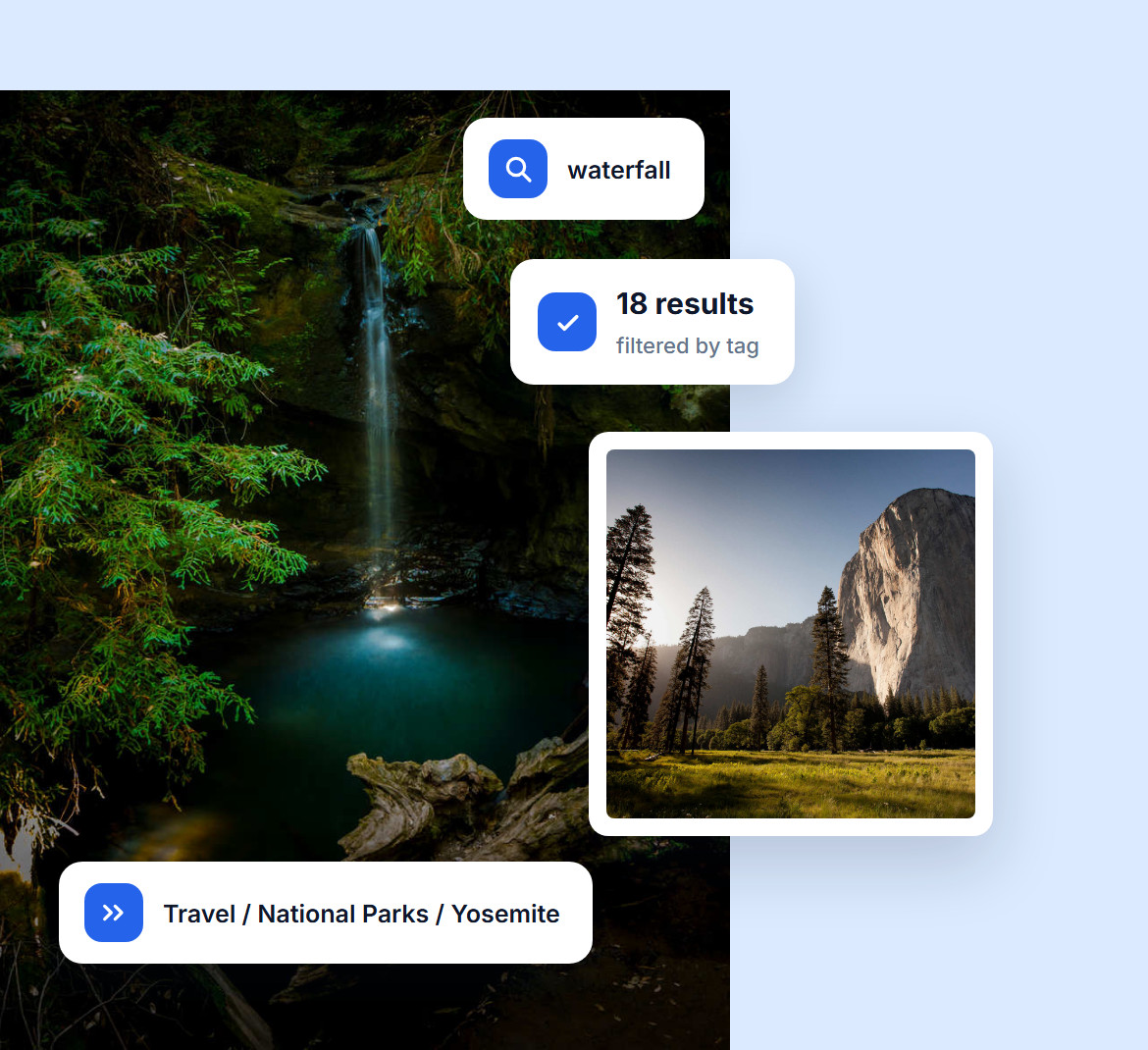
Visitors shouldn't have to hunt for the right image. With frontend image search, they can filter by keywords, tags, or descriptions for quick results, and breadcrumbs always show them where they are.
You can also sort the galleries in each album in any order, so the work you want seen comes first. The easier it is for visitors to find what they need, the longer they stay and the more of your work they see.
Do you have questions about Imagely? See the list below for our most frequently asked questions. If your question is not listed here, please contact us.
Install and activate Imagely, create a new album from your dashboard and drag your galleries into it. Then pick one of the album layouts and adjust its style to match your site.
Imagely doesn't add folders to the WordPress Media Library itself. Instead, you group images into galleries and galleries into albums, which gives your photos a clear folder-like structure that visitors can browse too.
Give every image alt text and a caption, and keep file sizes small so pages load fast. Imagely also supports deep linking, which gives each image its own URL that search engines can index, and breadcrumbs that show how your albums are structured.
Yes. Imagely's frontend search lets visitors find galleries or images by searching keywords in tags, descriptions, or alt text. They can even filter by related tags to refine the results and browse your content more efficiently.
Imagely is one of the top-rated gallery plugins for WordPress. It offers 20+ layouts, advanced customization, mobile-optimized design, and features like eCommerce integration, client proofing, watermarking, and fullscreen lightbox viewing.
Join over 400,000 users who trust Imagely to organize, display and sell their photography, all from WordPress.
Copyright © [#this year :%Y] Imagely, LLC. Imagely is a trademark of Imagely, LLC.




