VIDEO GALLERIES FOR WORDPRESS
Add YouTube and Vimeo videos to any Imagely gallery, bring in your TikTok videos automatically and let visitors watch them fullscreen. No embeds, no shortcodes, no coding.

Video Links

TikTok Sync

Photos and Videos

Fullscreen Lightbox

20+ Layouts

Mobile Friendly



Imagely puts your videos where your photos already are. Here's what makes it the best plugin for showing both.
Here are just a few reasons why photographers, filmmakers and creators trust Imagely to show their videos.
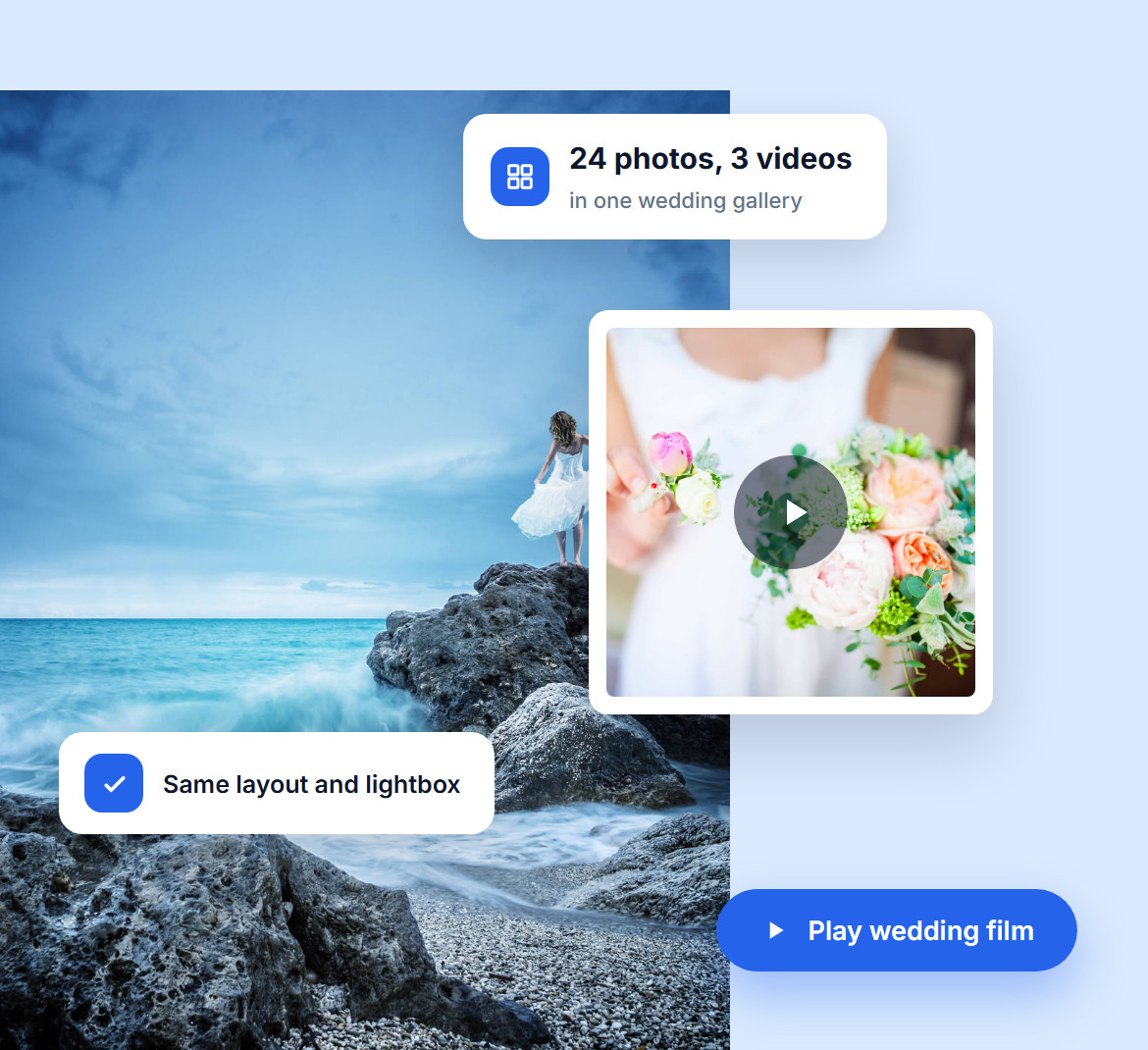
Shot a wedding in photos and film? Show both together. Open any gallery, add your videos next to the photos and publish, with no separate video plugin to manage.
Your videos use the same layout, spacing and lightbox as the rest of the gallery, so the whole collection looks like one piece of work.
Paste a YouTube, Vimeo or Dailymotion link and Imagely does the rest. It pulls in the video's own thumbnail, so your gallery looks finished right away.
Want a different cover? Upload your own thumbnail or pick one from your Media Library. You can also link to your own MP4 files.

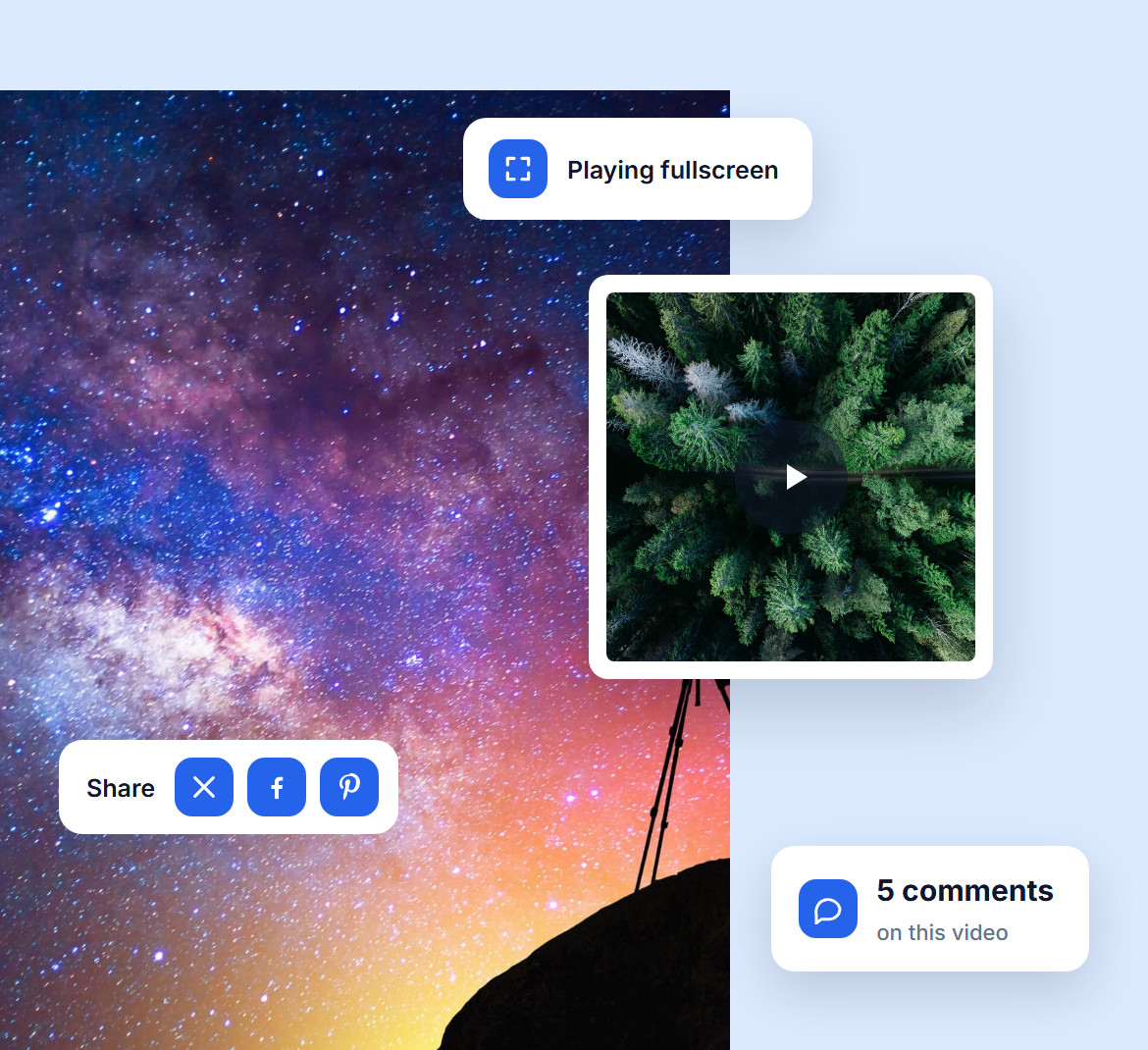
A play button on every video thumbnail shows visitors what to click. One click opens the video fullscreen in the lightbox, with nothing else competing for attention.
Visitors can share the video to X, Facebook or Pinterest and leave a comment right beside it, just like they do with your photos.
Connect up to three TikTok accounts and build a gallery from your videos in a few clicks, with no downloading or re-uploading. It updates itself as you post.
Choose how many videos to show, bring in your TikTok captions and decide whether a click plays the video on your site or opens it on TikTok.


Pick the Pro Slideshow or Horizontal Filmstrip layout and your videos play right in the gallery, without opening anything.
Or choose from 20+ gallery and album layouts like Masonry, Mosaic and Thumbnail Grid. They all adapt to phones, tablets and desktops.
Do you have questions about Imagely? See the list below for our most frequently asked questions. If your question is not listed here, please contact us.
With Imagely, create a new gallery and choose Video Links, then paste the links to your videos. Imagely adds each one with its thumbnail. Pick a layout, publish, and your video gallery is live.
Yes. Paste a YouTube, Vimeo or Dailymotion link and Imagely adds the video with its own thumbnail. You can also link to your own MP4 files.
Yes. Open any gallery, add videos next to your photos, and they share the same layout and lightbox.
Connect your TikTok account to Imagely, then create a gallery with TikTok as the source. Your videos come in automatically, and the gallery updates as you post.
Yes. Imagely uses the video's own thumbnail by default, and you can replace it with an image you upload or one from your Media Library.
Video Links and the TikTok integration come with Imagely Pro and Ultra.
Join over 400,000 users who trust Imagely to display, share and sell their photography, all from WordPress.
Copyright © [#this year :%Y] Imagely, LLC. Imagely is a trademark of Imagely, LLC.




