GALLERY LAYOUTS FOR WORDPRESS
Choose from 20+ gallery and album layouts, from Mosaic and Masonry to Slideshow and Filmstrip. Customize each one to match your style, with no coding needed.

Over 20 Layouts

Advanced Lightbox

Mobile Friendly

eCommerce

Social Sharing

Albums



Imagely makes it simple to show your photos like a pro. Here's what makes it the best plugin for beautiful, fast galleries.
Here are just a few reasons why photographers, artists and creators trust Imagely to show their work.
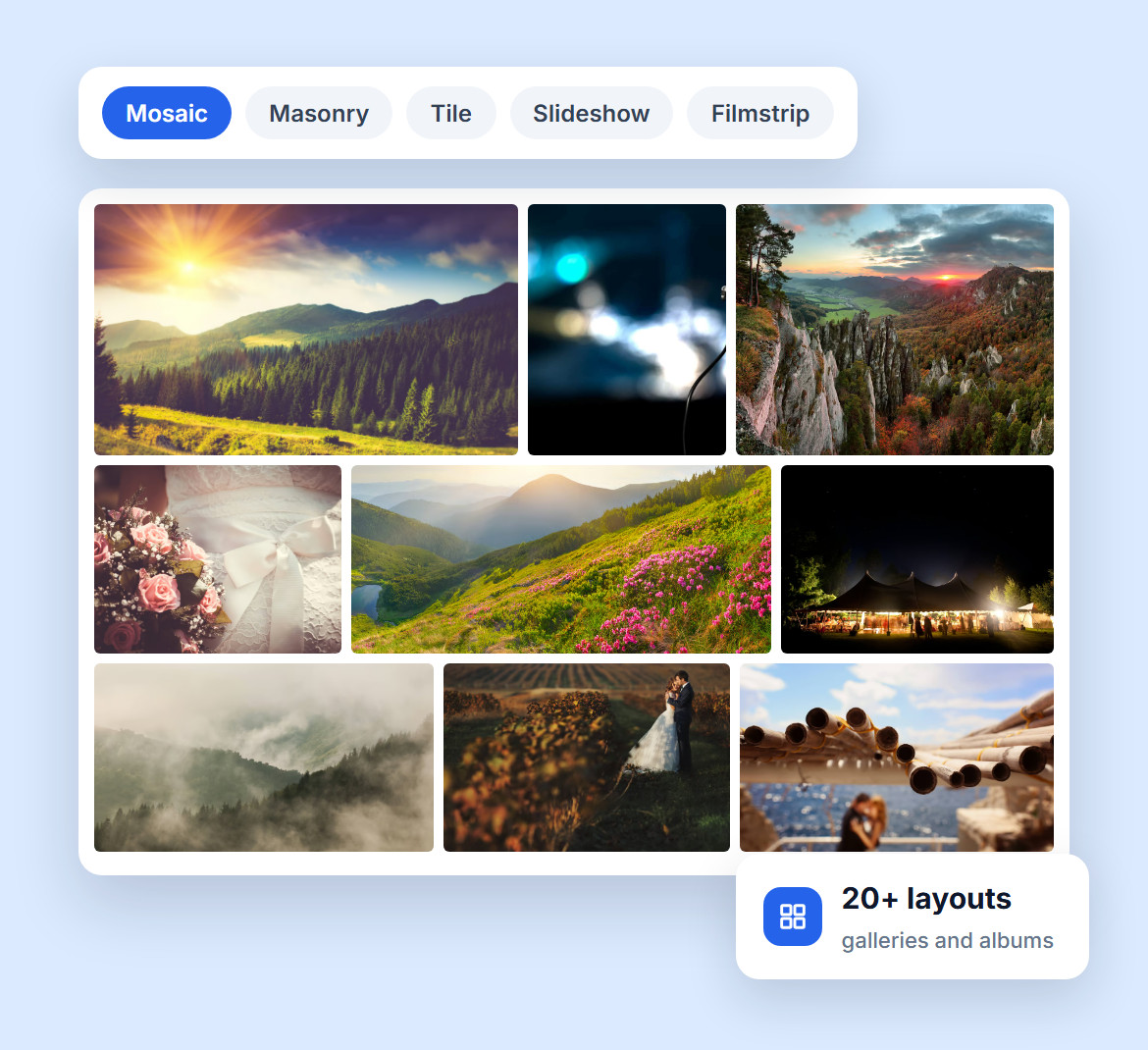
Your photos deserve a gallery that fits them. Pick from 20+ gallery and album layouts, including Mosaic, Masonry, Tile, Thumbnail Grid, Slideshow and Sidescroll.
Whether you like a classic, clean grid or something more dynamic, you'll find the right fit, with no coding needed.
Set the columns, spacing, borders and thumbnail size, add captions that appear on hover, and choose how your slideshows move and how fast.
Each gallery you add to a page can have its own layout and settings, so a wedding and a landscape series never have to look the same.
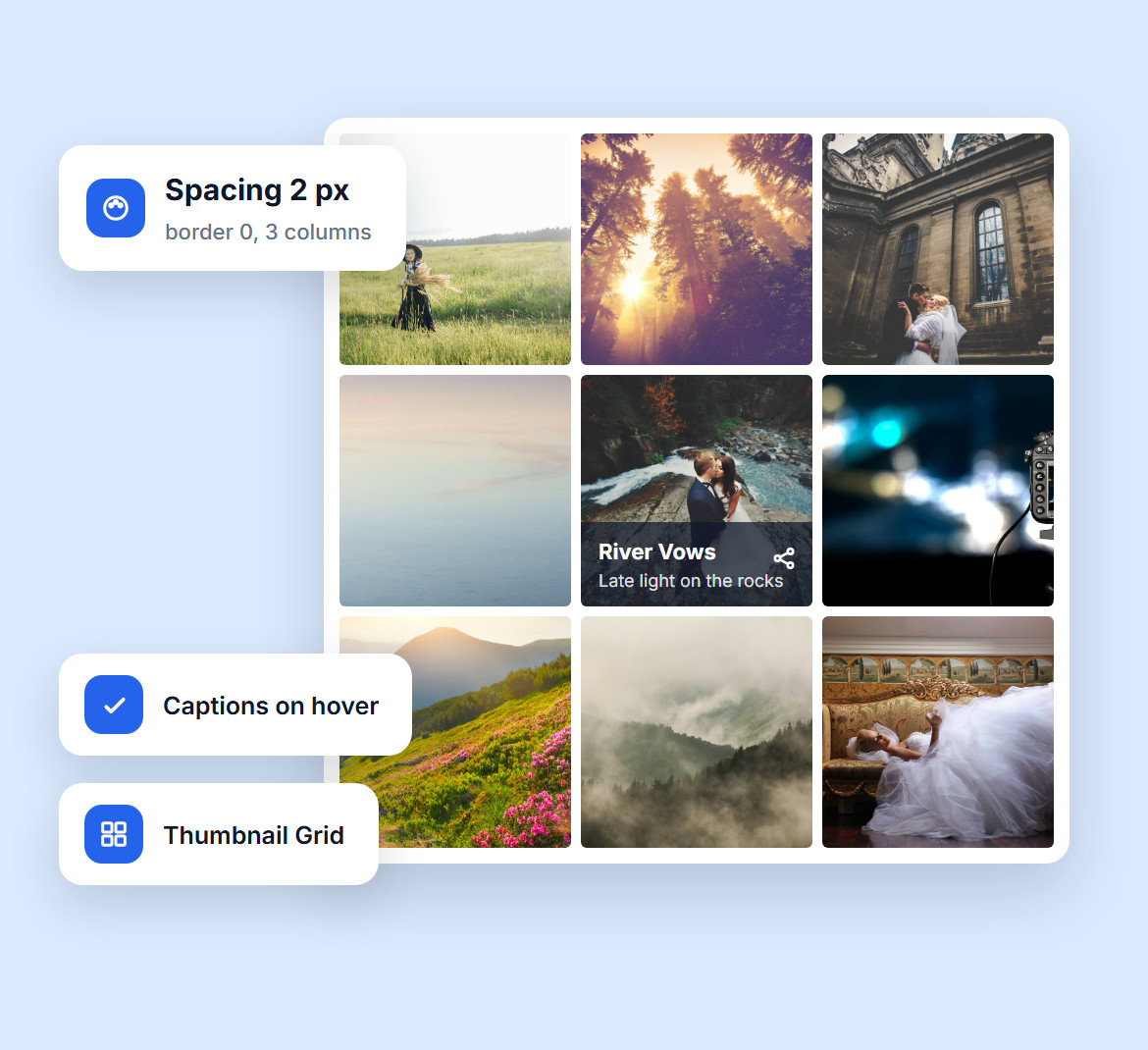
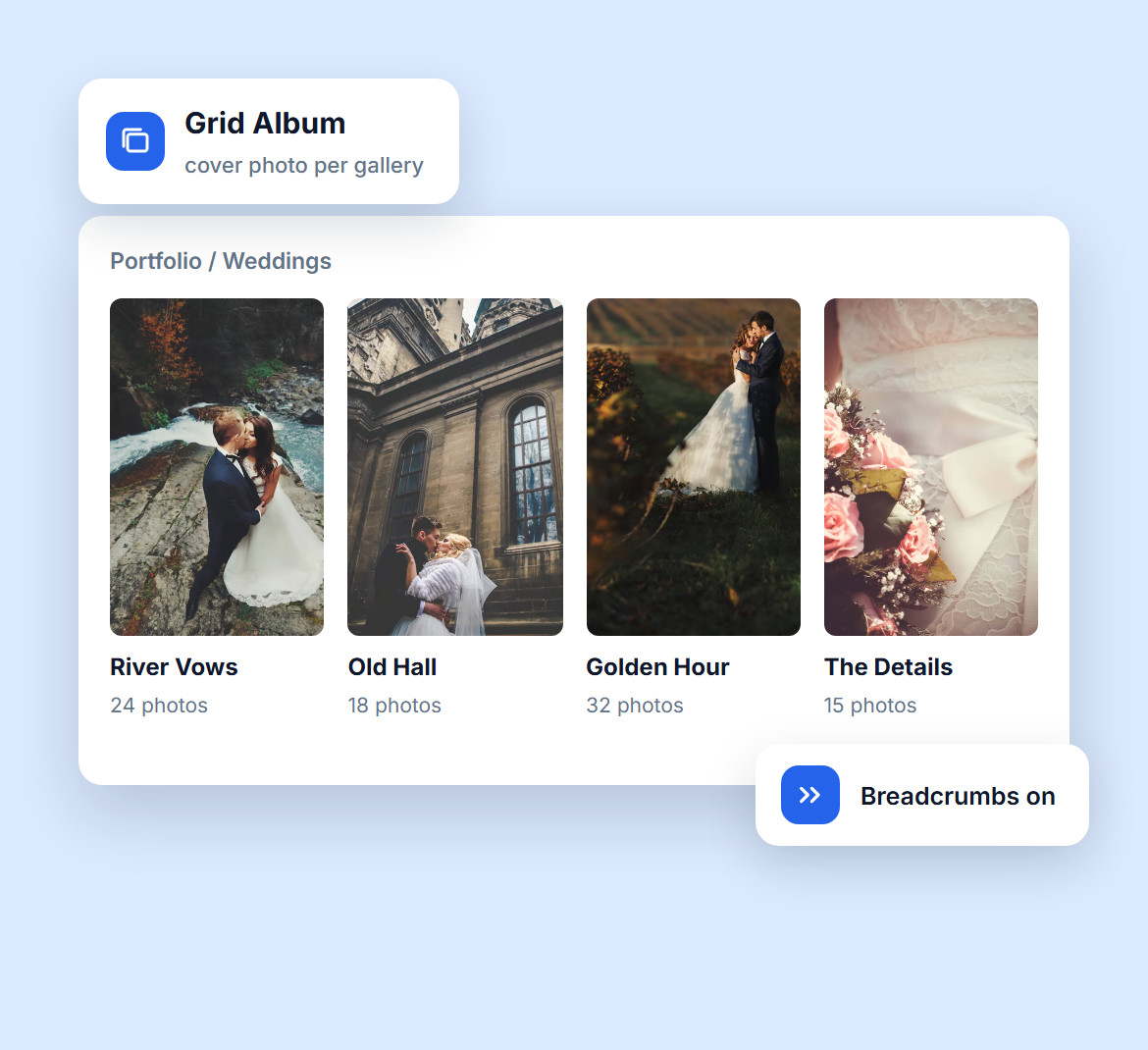
Managing a growing portfolio? Group galleries into albums with the Compact, Extended, Grid or List Album layouts, each with cover photos and breadcrumbs.
Perfect for wedding photographers, event pros or anyone with lots of shoots. Add frontend search and visitors can find any photo in seconds.
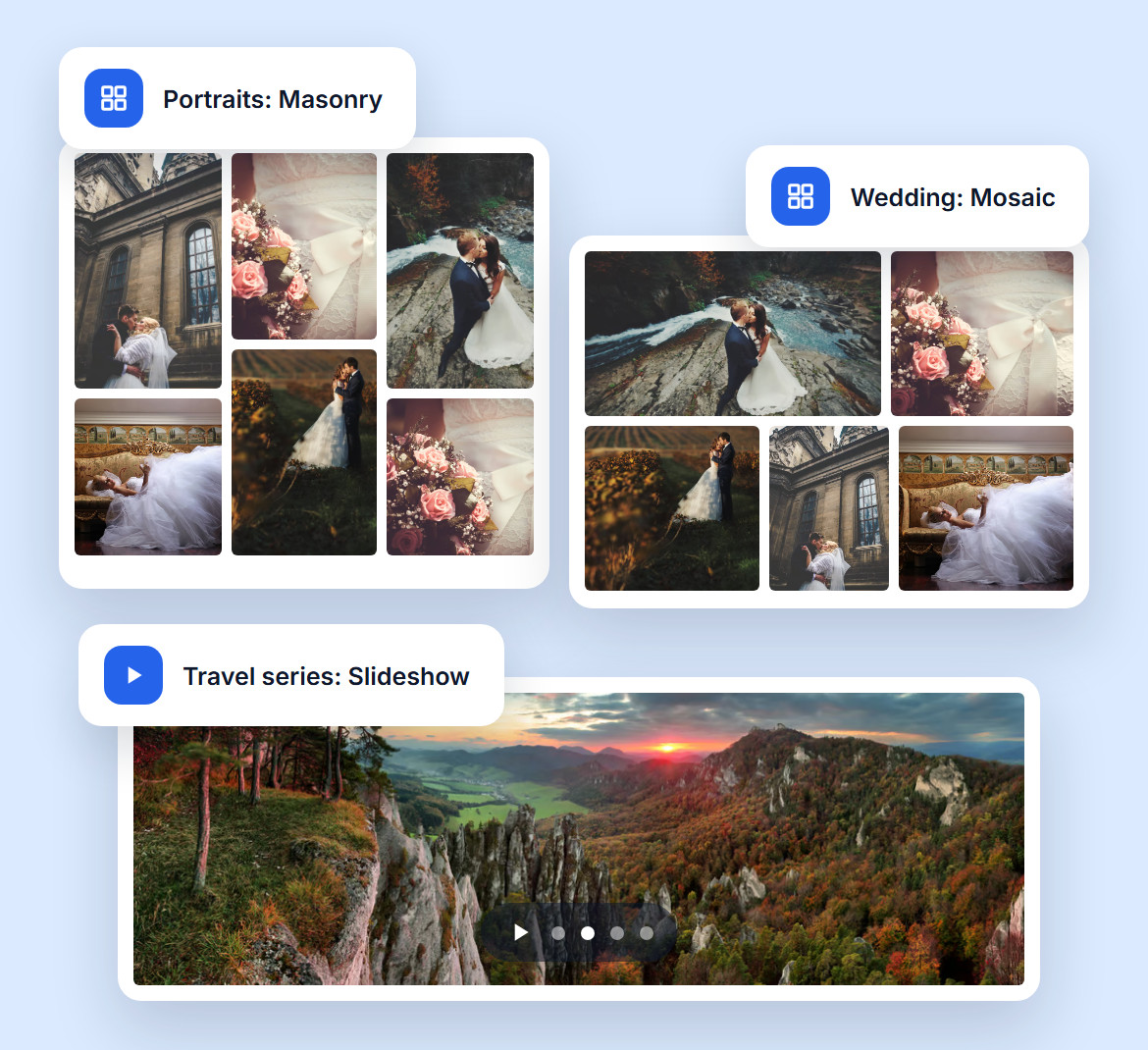
Masonry keeps every portrait and landscape uncropped, Mosaic fills each row edge to edge for a wedding story, and Slideshow or Filmstrip turns a series into something to sit back and watch.
Need detail? ImageBrowser shows one large photo at a time. Mix them across your site, so every gallery looks like it was designed for that shoot.
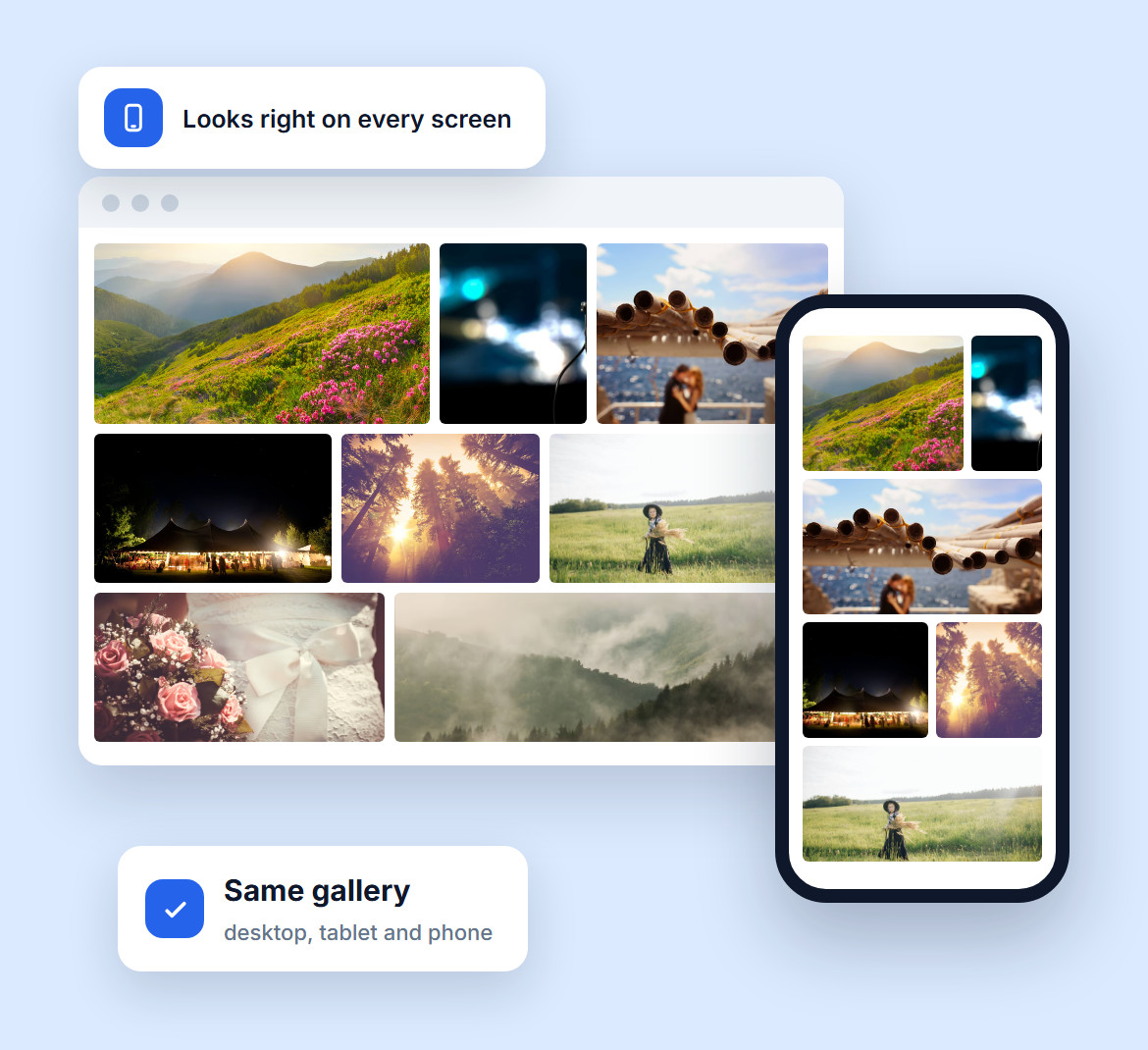
Your visitors browse on phones, tablets and desktops, and your galleries adapt to every screen size, so your photos always fit and are easy to navigate.
In the lightbox, visitors on touch screens just swipe from one photo to the next.
Do you have questions about Imagely? See the list below for our most frequently asked questions. If your question is not listed here, please contact us.
Yes. WordPress is one of the best platforms for photographers. It's flexible, easy to use and works with plugins like Imagely, built for showing photography, with layouts, eCommerce and mobile-ready galleries.
The easiest way is with a plugin like Imagely. Install it, upload your images, pick one of the 20+ layouts and add the gallery to any post or page, with no coding needed.
Use Imagely to organize your images into galleries and albums, then show them in clean, modern layouts. You can create a separate gallery for each shoot or client, no developer required.
Yes. Pick a layout like Masonry, Mosaic, Filmstrip or Blog Style, then adjust the spacing, image sizes, captions and slideshow transitions, all without touching a line of code.
Yes. Imagely's frontend search finds images by their alt text, descriptions and tags, and tag filters narrow the results, which is perfect for large galleries and portfolios.
Imagely is one of the top-rated gallery plugins for WordPress. It offers 20+ layouts, full customization and mobile-friendly galleries, plus eCommerce, client proofing, watermarks and a fullscreen lightbox.
Join over 400,000 users who trust Imagely to display, share and sell their photography, all from WordPress.
Copyright © [#this year :%Y] Imagely, LLC. Imagely is a trademark of Imagely, LLC.




