LIGHTBOX FOR WORDPRESS GALLERIES
Open every image fullscreen with smooth navigation, a thumbnail carousel, social sharing and comments, so visitors stay with your work instead of clicking away.

Advanced Lightbox

Full Customization

Mobile Friendly

Social Sharing

SEO Optimized

Image Commenting



Everything you need to show your photography fullscreen, from the first click to the share button. Here's what makes Imagely the best lightbox for WordPress galleries.
Here are just a few reasons why photographers, artists and creators trust Imagely to show their work fullscreen.
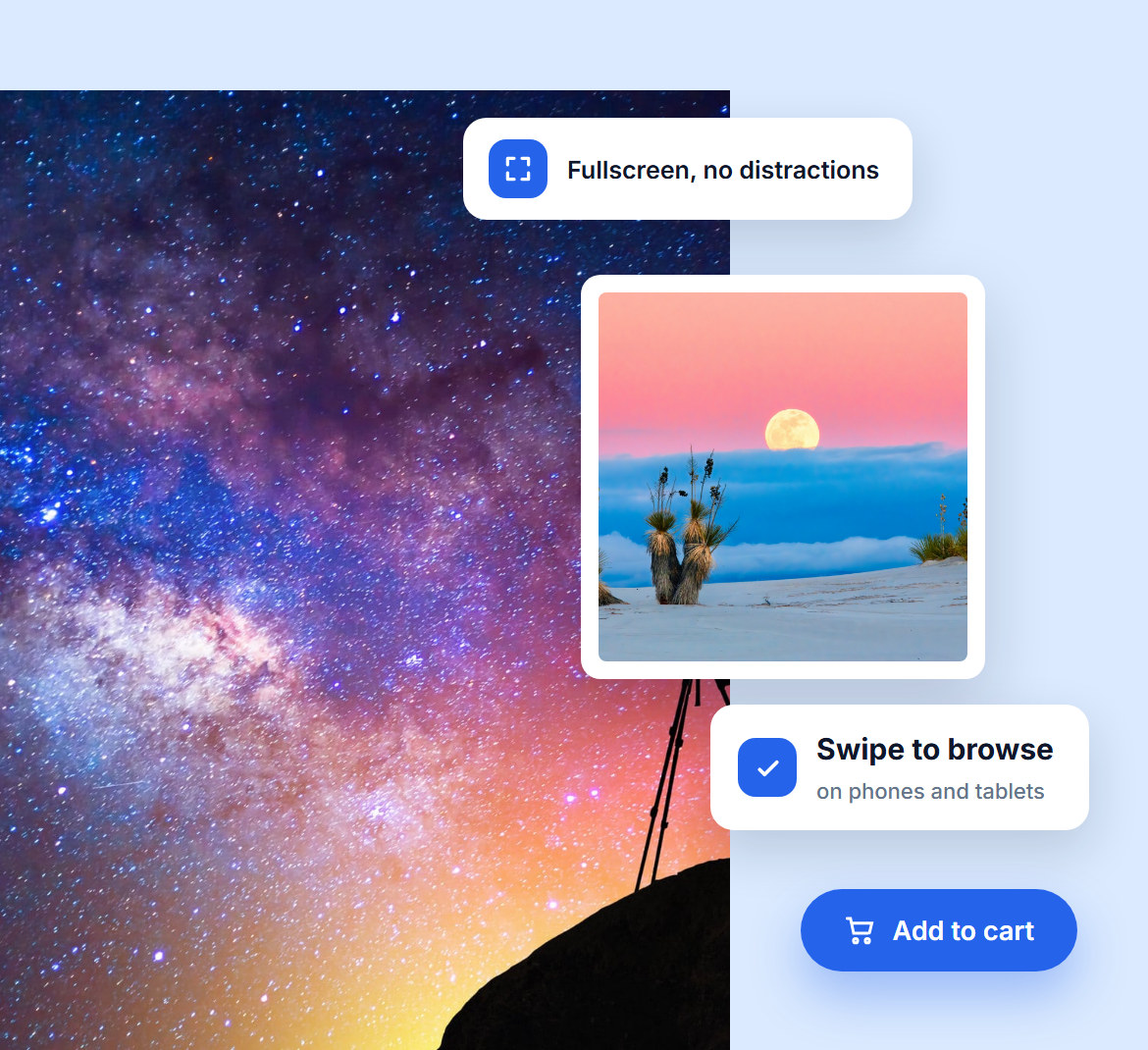
Your work deserves the whole screen. Imagely's lightbox opens every image fullscreen and hides everything else, so visitors see your photography with nothing competing for attention.
It works just as well on a phone, where visitors swipe from one photo to the next. And if you sell your work, an add-to-cart button sits right next to the image.
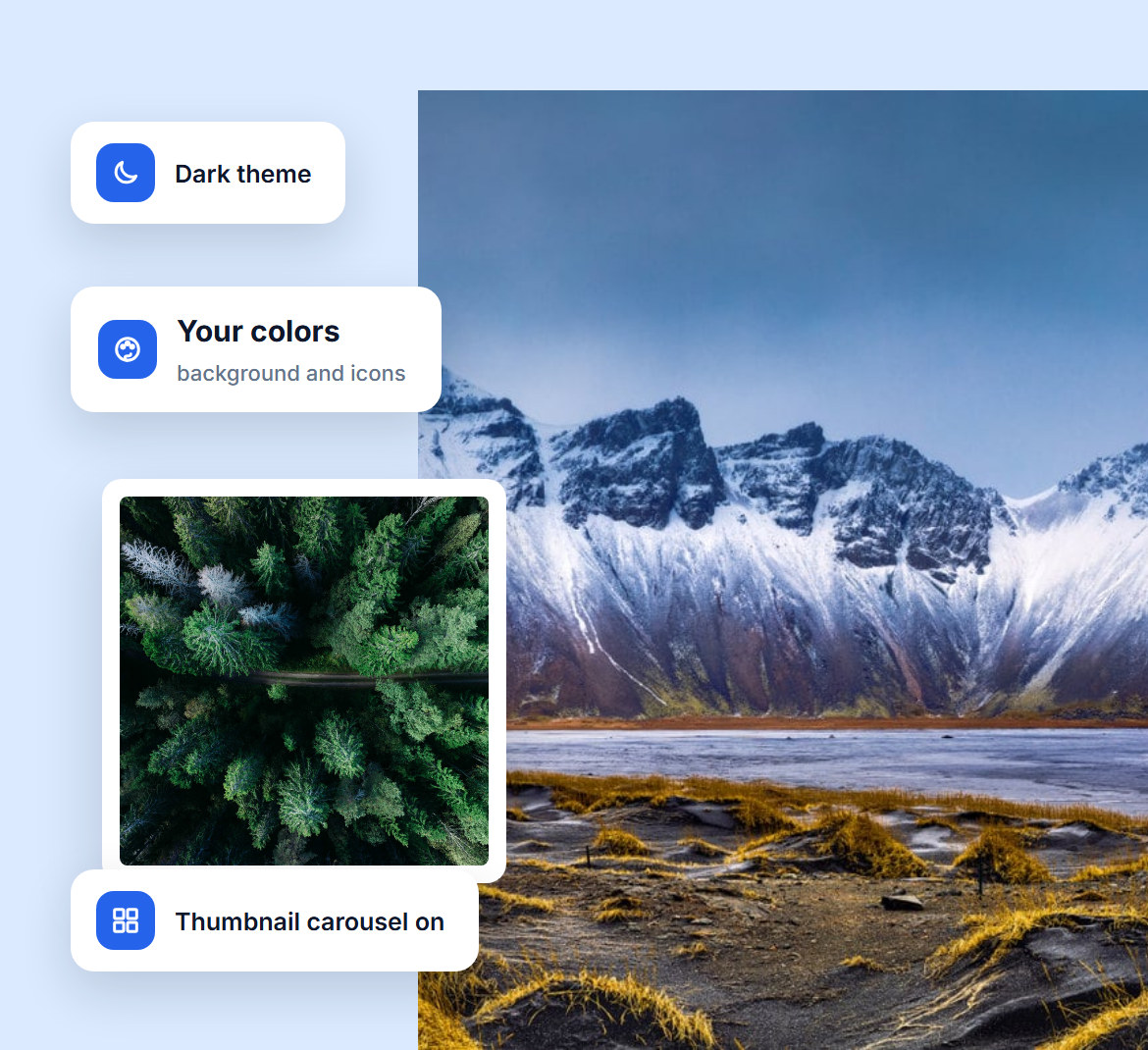
Make the lightbox look like part of your site, not a plugin. Pick a light or dark theme, set the background and icon colors, and adjust padding and cropping without touching code.
Turn on a thumbnail carousel under the photo so visitors can always see what's next.

Every share puts your work in front of new people. Visitors can post any photo to X, Facebook or Pinterest in one click, right from the lightbox.
Turn on comments and visitors can react to a specific photo, which gives you real feedback and a reason for them to come back.
Keep visitors moving through your work instead of leaving it. Arrows, swipe, slide or fade transitions and an optional thumbnail carousel put the next photo one click away.
Want them to sit back and watch? Start an autoplay slideshow and choose how long each photo stays on screen.

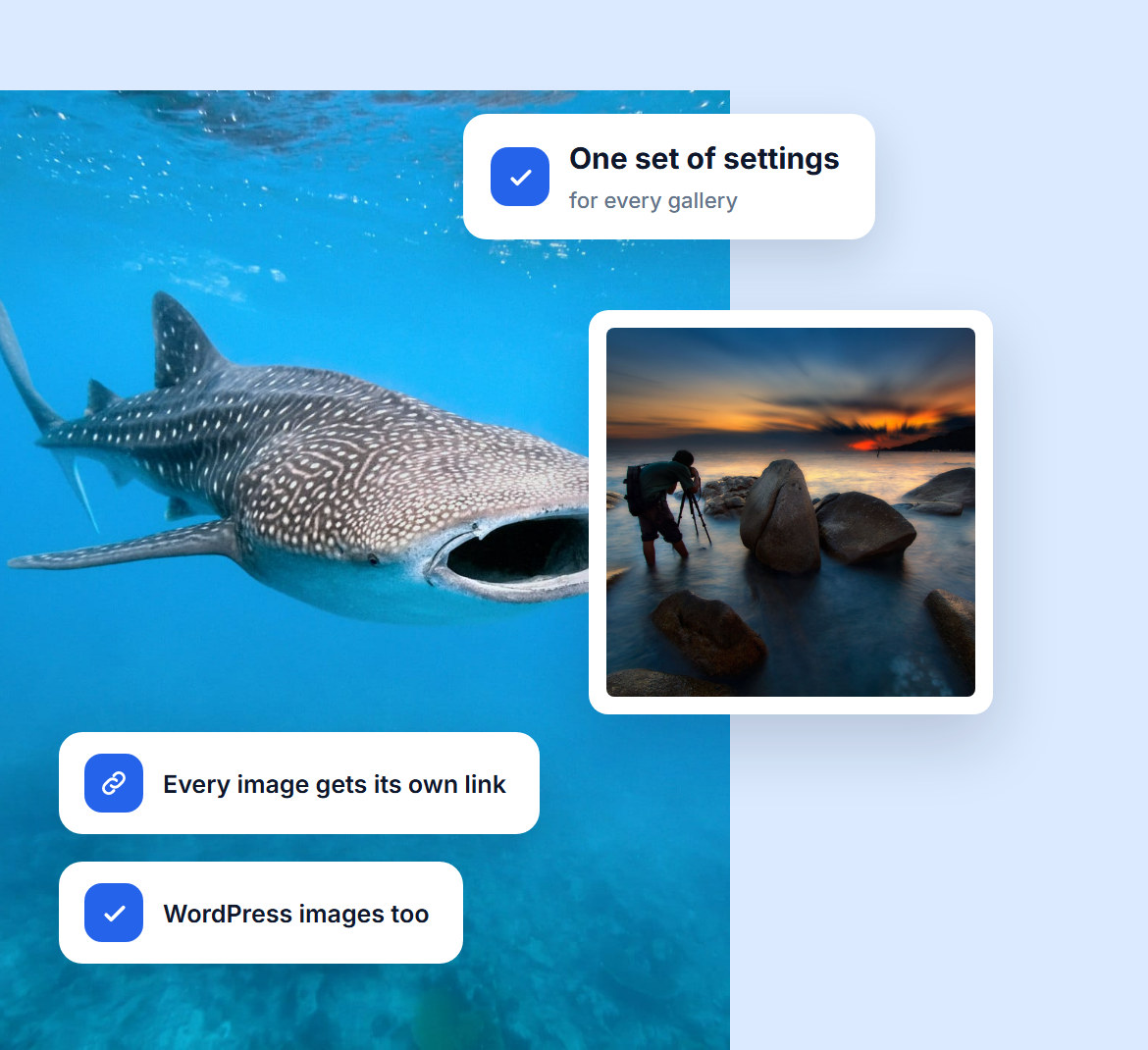
The lightbox is ready on your Imagely galleries as soon as you turn it on. Want the same experience everywhere? Switch it on for regular WordPress images or any direct image link too.
Every lightbox on your site follows the same global settings, so you set it up once and every gallery matches.
Do you have questions about Imagely? See the list below for our most frequently asked questions. If your question is not listed here, please contact us.
Install Imagely, go to the Lightbox Effects settings in Imagely and choose the Pro Lightbox. Your gallery images then open fullscreen, with no coding. The Pro Lightbox is included from the Plus plan up.
Yes. Choose a light or dark theme, set the background and icon colors, adjust padding, cropping and transitions, and turn the thumbnail carousel, sharing and comments on or off.
Yes. The lightbox is responsive, and on phones and tablets visitors swipe from one photo to the next.
Yes. Turn on sharing in the lightbox settings and visitors can share any photo to X, Facebook or Pinterest in one click.
Yes. Turn on comments in the lightbox settings and visitors can leave feedback on individual photos.
Yes. Buyers can add an image to their cart right from the lightbox, keep browsing, and check out when they're ready.
Join over 400,000 users who trust Imagely to display, share and sell their photography, all from WordPress.
Copyright © [#this year :%Y] Imagely, LLC. Imagely is a trademark of Imagely, LLC.




