FRONTEND SEARCH FOR WORDPRESS GALLERIES
Hundreds of photos and a visitor looking for just one? Give them a search bar and tag filters, so they find the perfect shot in seconds instead of scrolling. No coding needed.

Frontend Search

Tag Filters

Dynamic Galleries

Albums

20+ Gallery Layouts

eCommerce



Everything you need to turn a big photo library into one visitors actually explore. Here's what makes Imagely the best plugin for image tags, frontend search and filtering on WordPress.
Here are just a few reasons why photographers, artists and creators trust Imagely to make big galleries easy to explore.
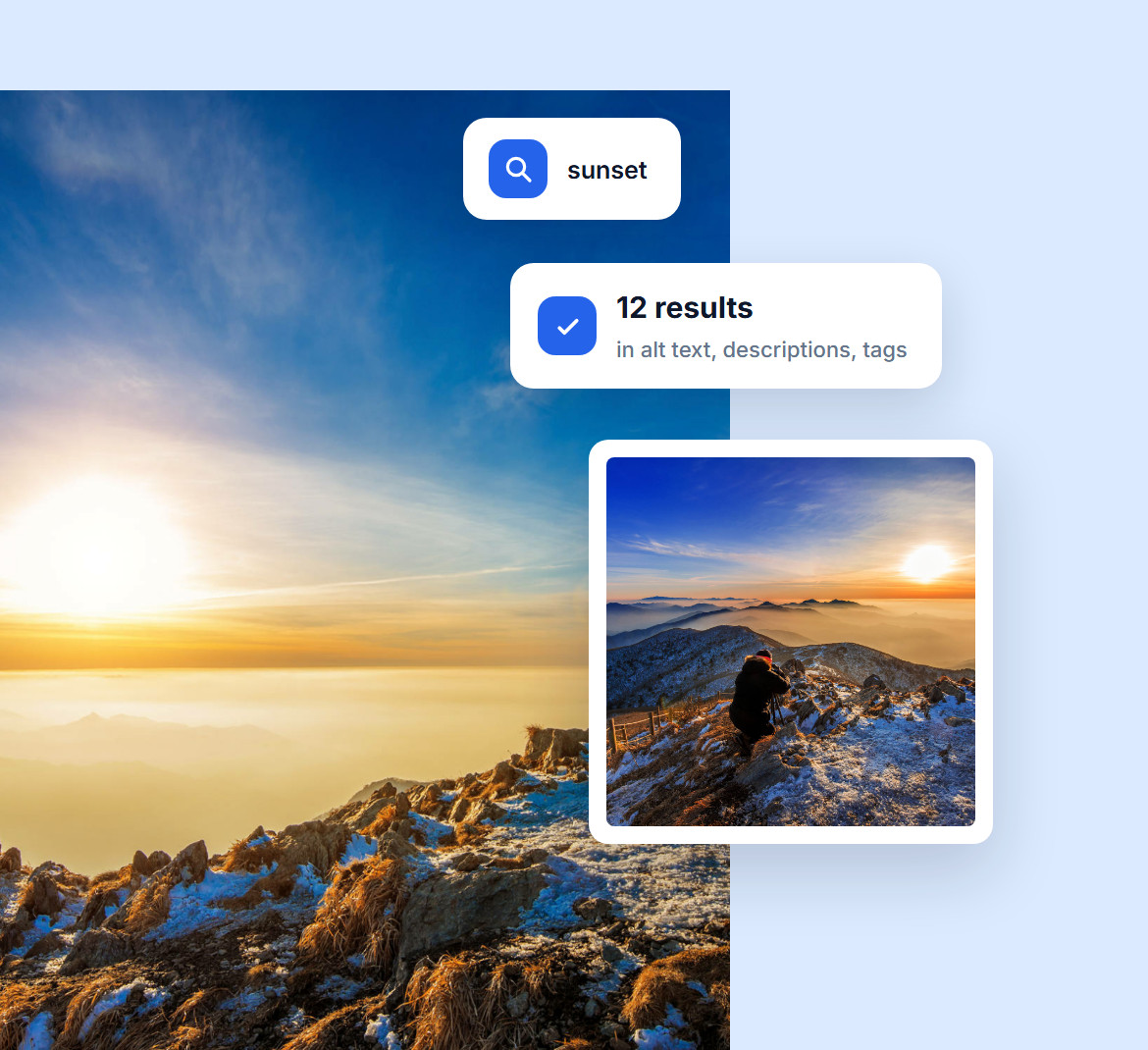
Nobody scrolls through four hundred photos to find one. With Imagely, visitors type what they want, like "sunset in Venice" or "black and white portrait," and the matching images appear in seconds.
Search looks through your alt text, descriptions and tags, so the better you describe your photos, the faster people find them.
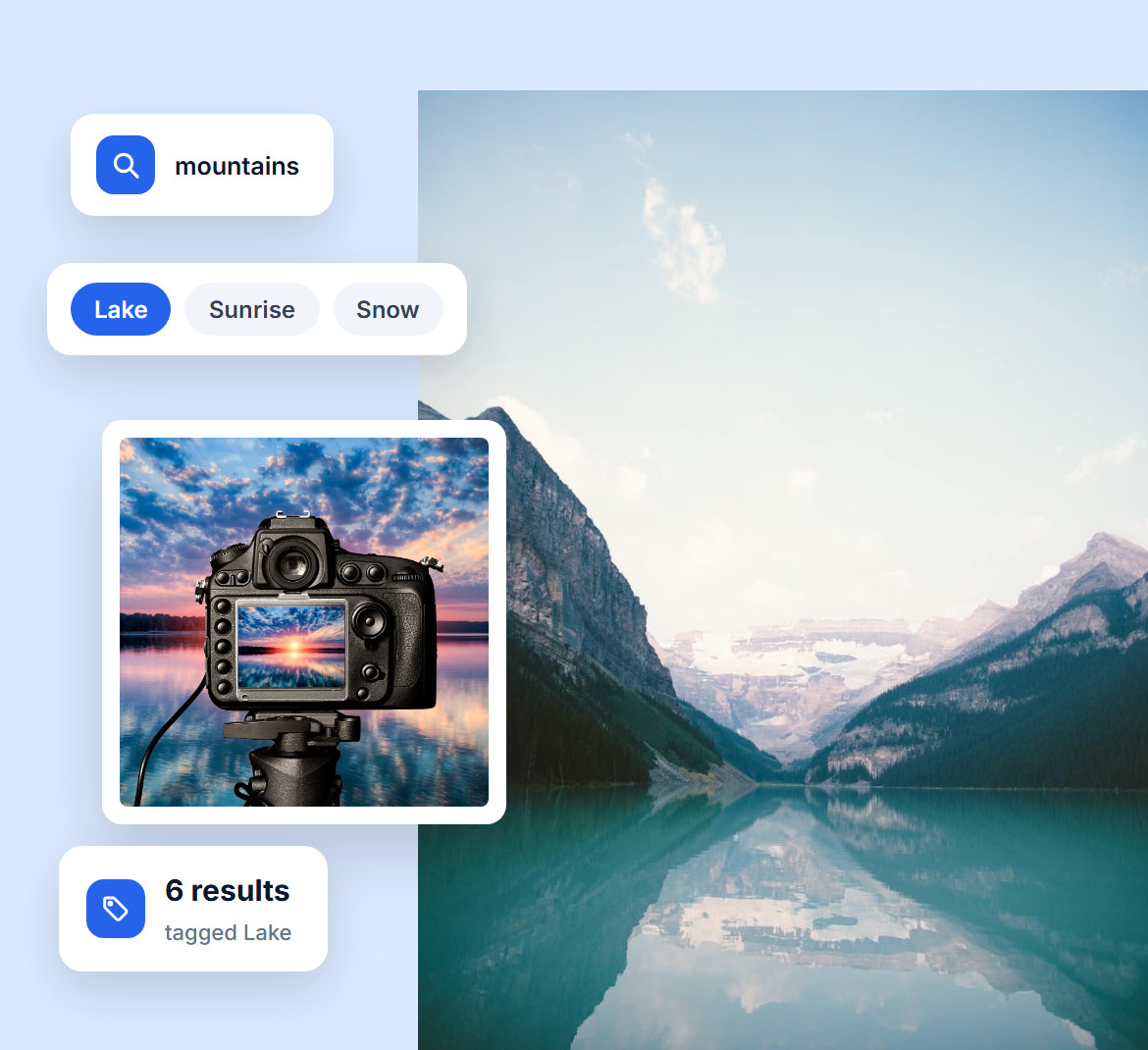
A search for "mountains" can still bring up hundreds of photos. Tag filters fix that: Imagely lists the tags found in the results, and visitors click one, like "Lake" or "Sunrise," to see only the images that match.
They can pick more than one tag to narrow things further, so even a huge collection feels curated and easy to browse.

When visitors can't find what they came for, they leave. When they find it in seconds, they stay and keep looking.
Search and tag filters take the guesswork out of a big library, so more of your work gets seen and more visitors come back for more.
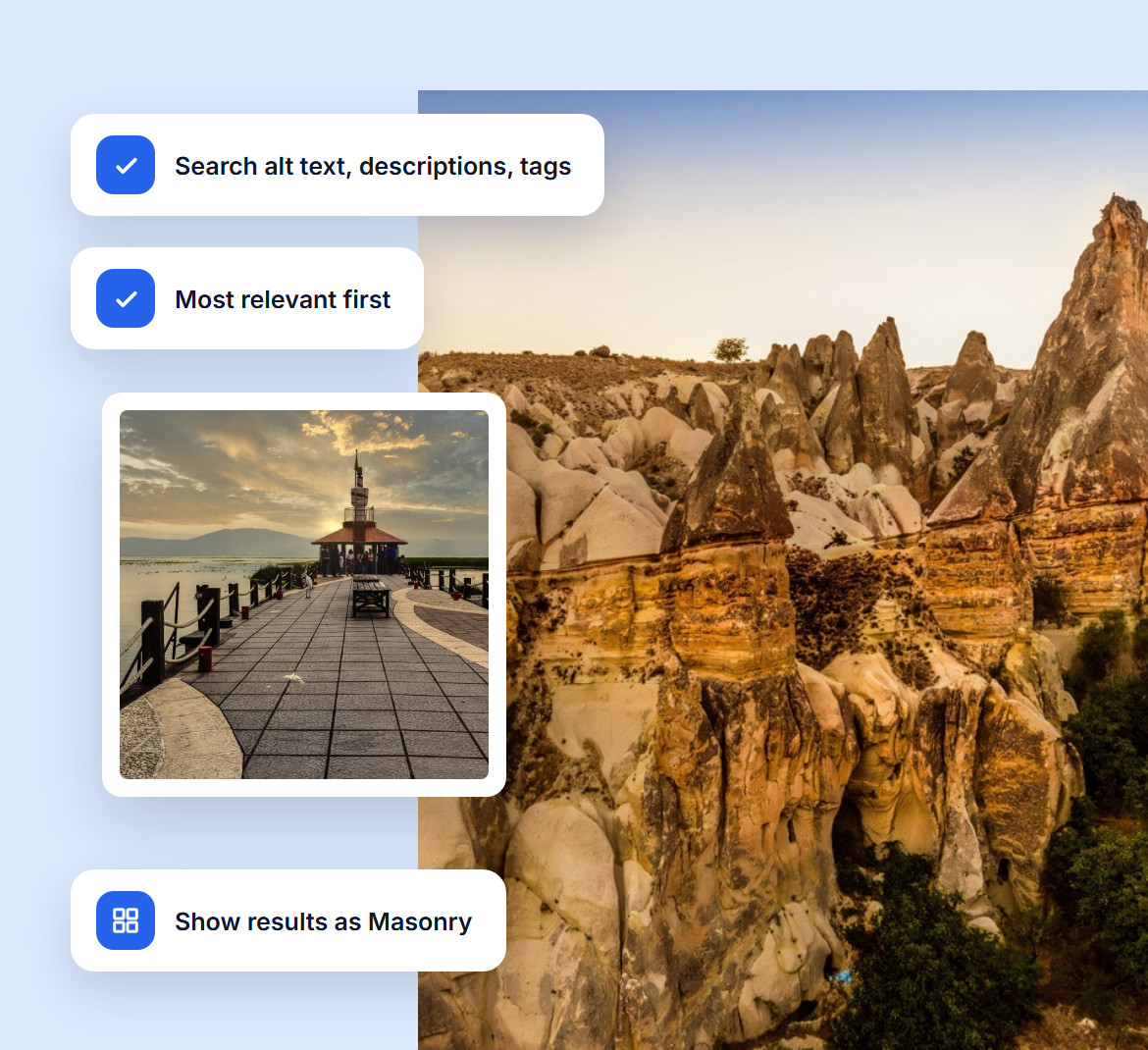
Choose what visitors can search (alt text, descriptions, tags or all three) and how results are ordered, with the most relevant matches first if you want.
You can also limit how many results appear, pick the gallery layout they show in, and turn tag filters on or off.
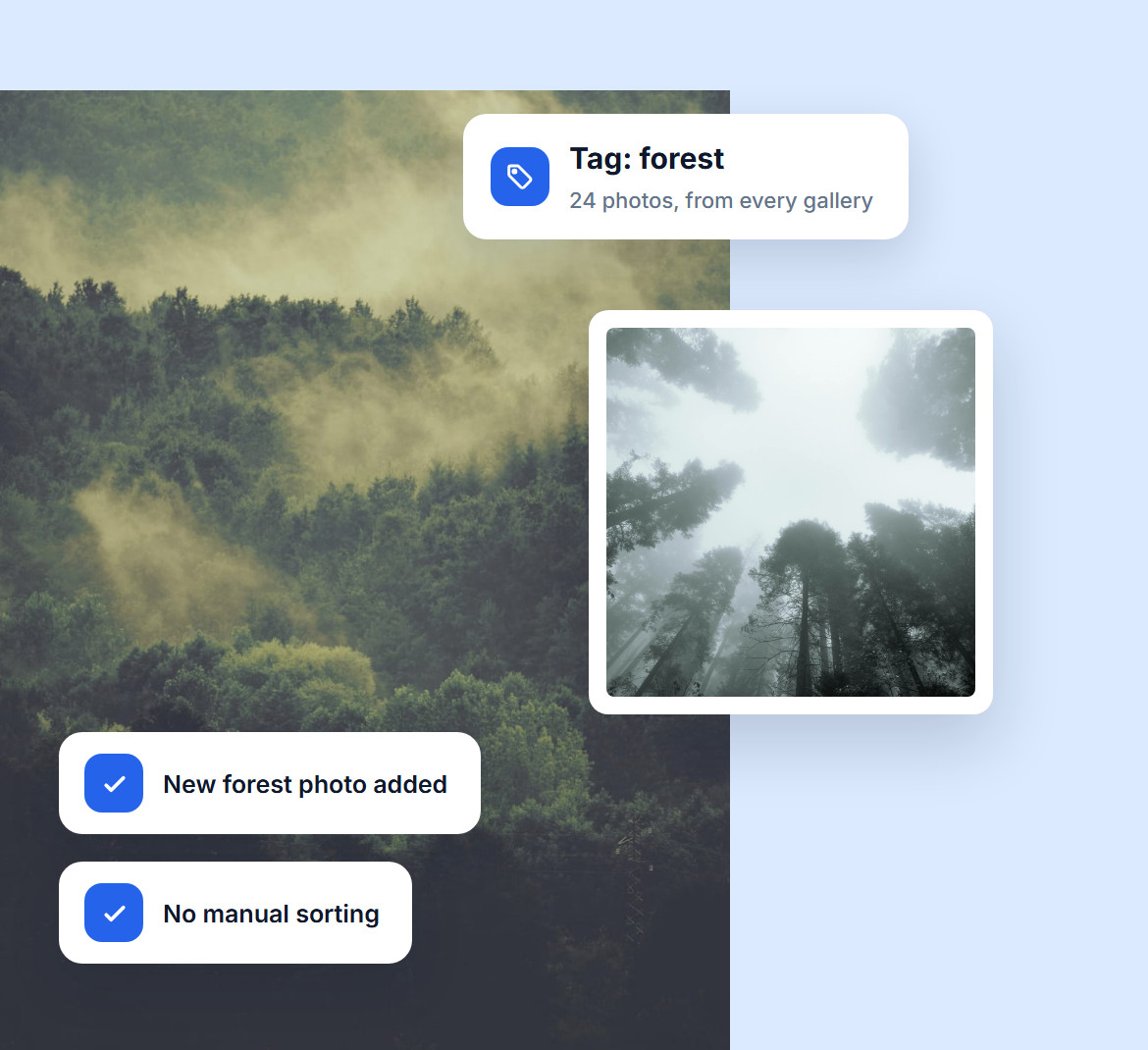
Dynamic galleries build themselves from your tags. Create a gallery for "beach" or "sunset" and Imagely pulls in every image with that tag from across your site.
Tag a new photo and it shows up in the right galleries on its own. Pair that with 20+ layouts, and your site stays polished and easy to explore.
Do you have questions about Imagely? See the list below for our most frequently asked questions. If your question is not listed here, please contact us.
Choose Frontend Image Search as the layout when you add a gallery to a page. Visitors get a search bar instead of thumbnails, and the results show in the gallery layout you pick.
Imagely gives you frontend search, tag filters, dynamic galleries, 20+ layouts and eCommerce in one plugin, which makes it one of the most complete gallery plugins for WordPress.
Yes. Turn on tag filtering and Imagely lists the tags found in each search, so visitors can click one or more to narrow the results.
Combine search, tag filters, albums, pagination and breadcrumbs, and even the largest collection stays organized and easy to browse.
Yes. Imagely is fully responsive, so the search bar, tag filters and results work on phones and tablets as well as on desktop.
Join over 400,000 users who trust Imagely to display, organize and sell their photography, all from WordPress.
Copyright © [#this year :%Y] Imagely, LLC. Imagely is a trademark of Imagely, LLC.




