SOCIAL SHARING FOR WORDPRESS GALLERIES
Let visitors share any photo to X, Facebook or Pinterest in one click, with a preview that shows the photo itself. Every share sends new people back to your site, and no coding is needed.

Social Sharing

Image Commenting

Advanced Lightbox

20+ Gallery Layouts

Mobile Friendly

SEO Optimized



Everything you need to get your photos shared and seen. Here's what makes Imagely the best social sharing solution for WordPress images.
Here are just a few reasons why photographers, artists and creators trust Imagely to get their work shared on social media.
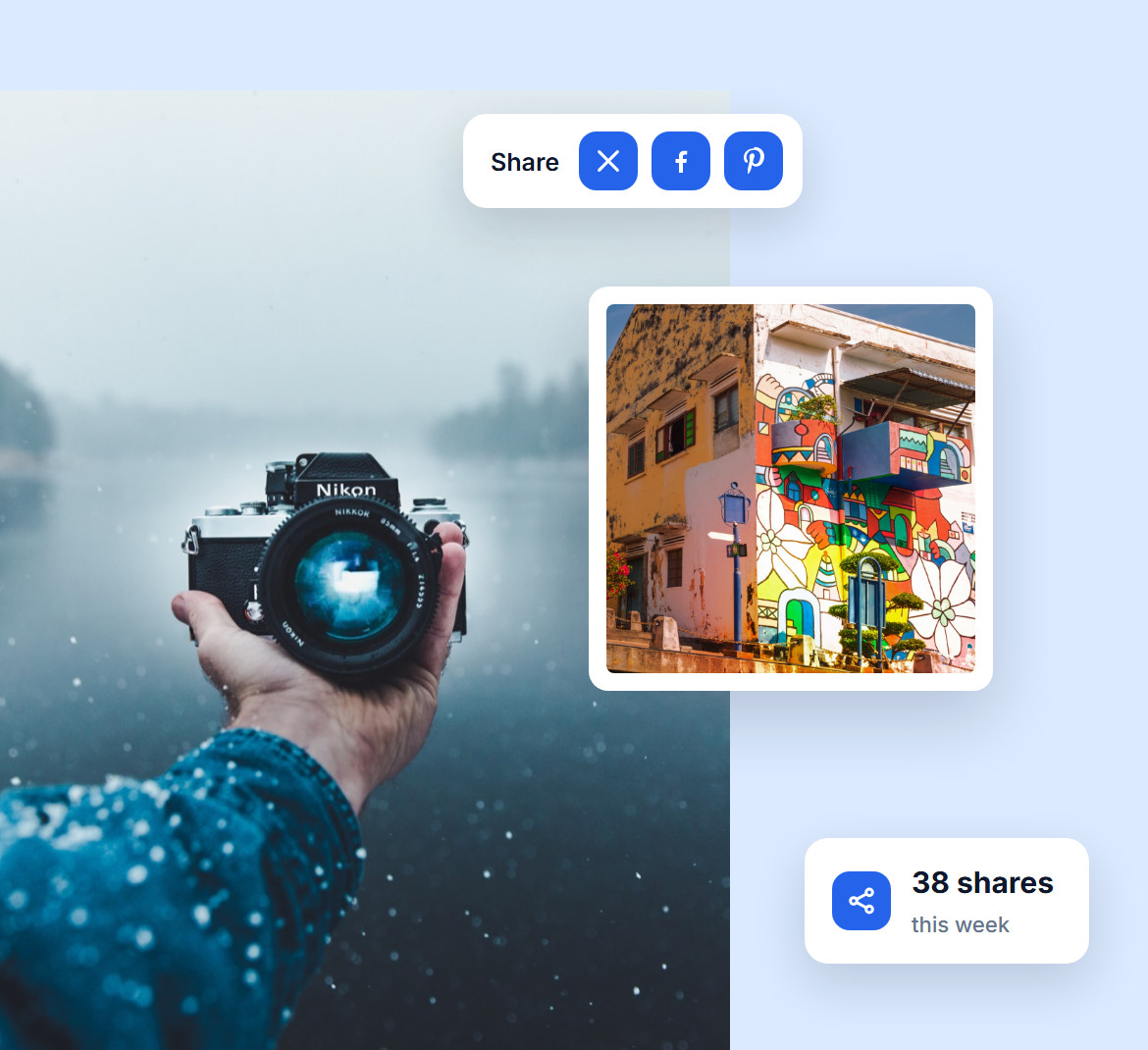
Every photo gets its own share buttons, so a visitor who loves a shot can post it to X, Facebook or Pinterest in one click.
Each share puts your work in front of people who have never heard of you, with no extra plugin and no work on your side.
A shared link should never show up as a plain gray box. Imagely gives every shared image its own preview, with the photo itself, its title and its description, so it stands out in the feed.
Turn on X Cards in the lightbox settings and add your X username, and shares on X get a proper preview too.
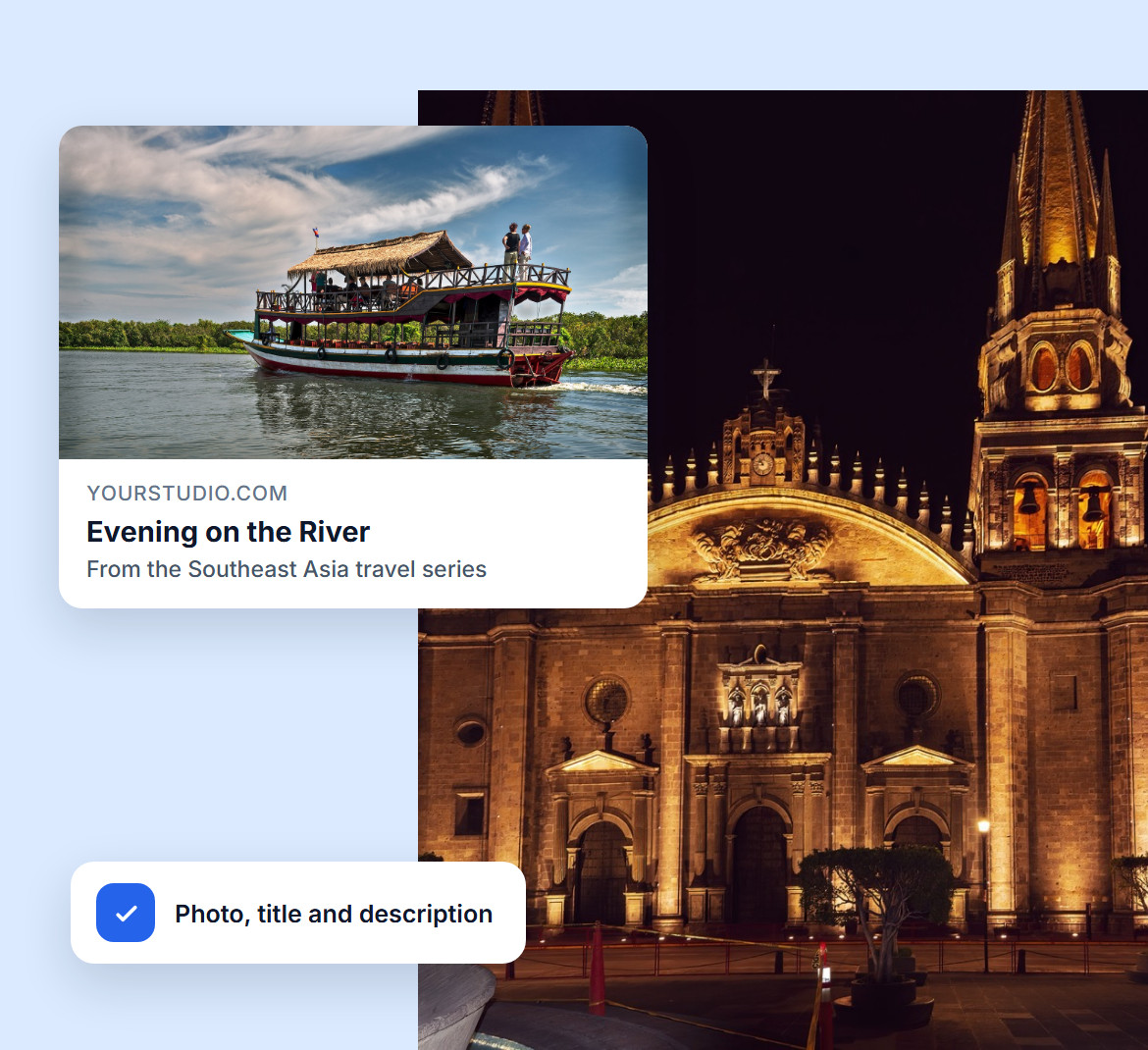

When someone clicks a shared link, they land on your site with that exact photo open in the lightbox, not on a gallery they have to scroll through.
So the traffic your shares bring in sees the image that caught their eye first, and then the rest of your work.
Want more than likes and shares? Turn on comments, and visitors can leave a note under any image in the lightbox: a question, a compliment or a request.
Every comment sits next to the photo it is about, so conversations stay easy to follow and every image becomes a chance to connect.

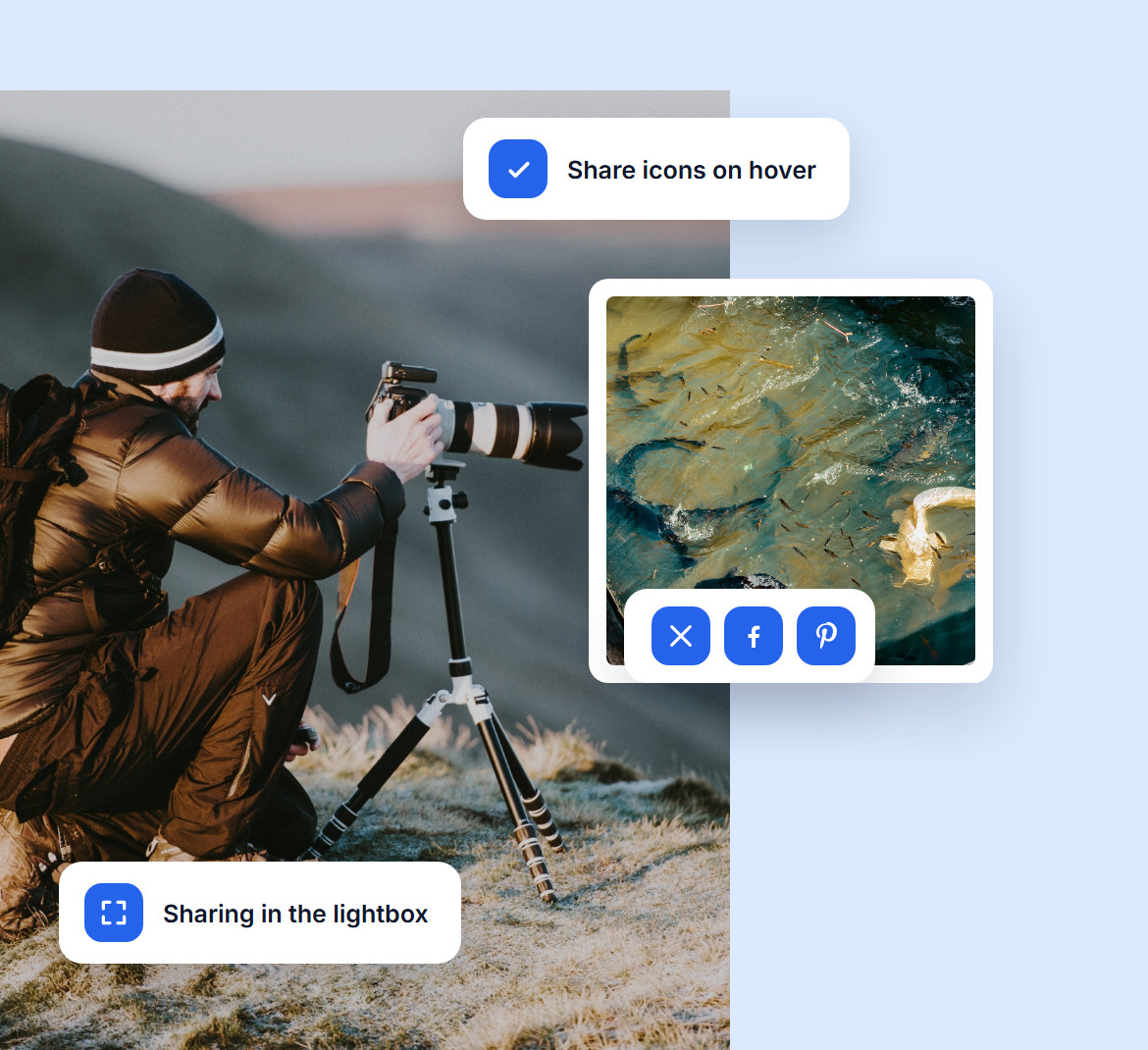
Show share icons inside the lightbox, on hover over each photo in the gallery, or both. You decide how sharing appears, so it adds to your design instead of cluttering it.
Hover captions can also show the title and description of each photo, so visitors know what they are sharing before they click.
Do you have questions about Imagely? See the list below for our most frequently asked questions. If your question is not listed here, please contact us.
Imagely builds social sharing into its galleries and lightbox, so visitors can share any photo to X, Facebook or Pinterest without an extra plugin. Shared links show a preview of the photo and open it straight in the lightbox.
Choose the Pro Lightbox in Imagely's lightbox settings and turn on sharing. Share icons then appear on every image in the lightbox. For icons right on the gallery, turn on hover captions in the settings of a Pro layout.
Imagely supports X, Facebook and Pinterest, both in the lightbox and in the hover icons on your galleries.
Yes. Turn on comments in the Pro Lightbox settings and visitors can leave comments under each image, so feedback always sits next to the photo it is about.
No. The share buttons are lightweight icons, and Imagely lazy loads your gallery images, so your pages stay fast.
Join over 400,000 users who trust Imagely to display, share and sell their photography, all from WordPress.
Copyright © [#this year :%Y] Imagely, LLC. Imagely is a trademark of Imagely, LLC.




